3D View
The 3D View shows the model, with its texture or a preview laid over it through its UVs.
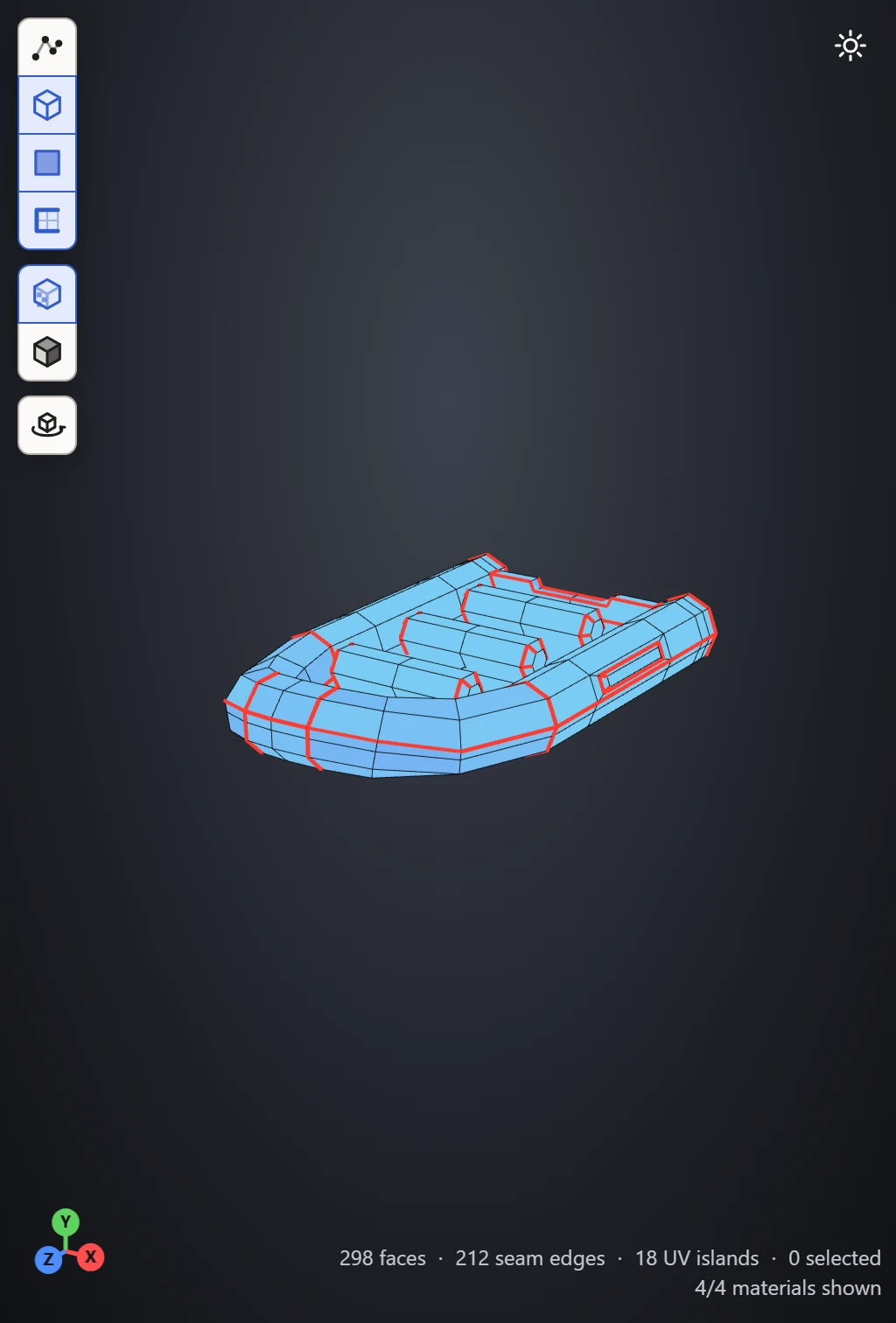
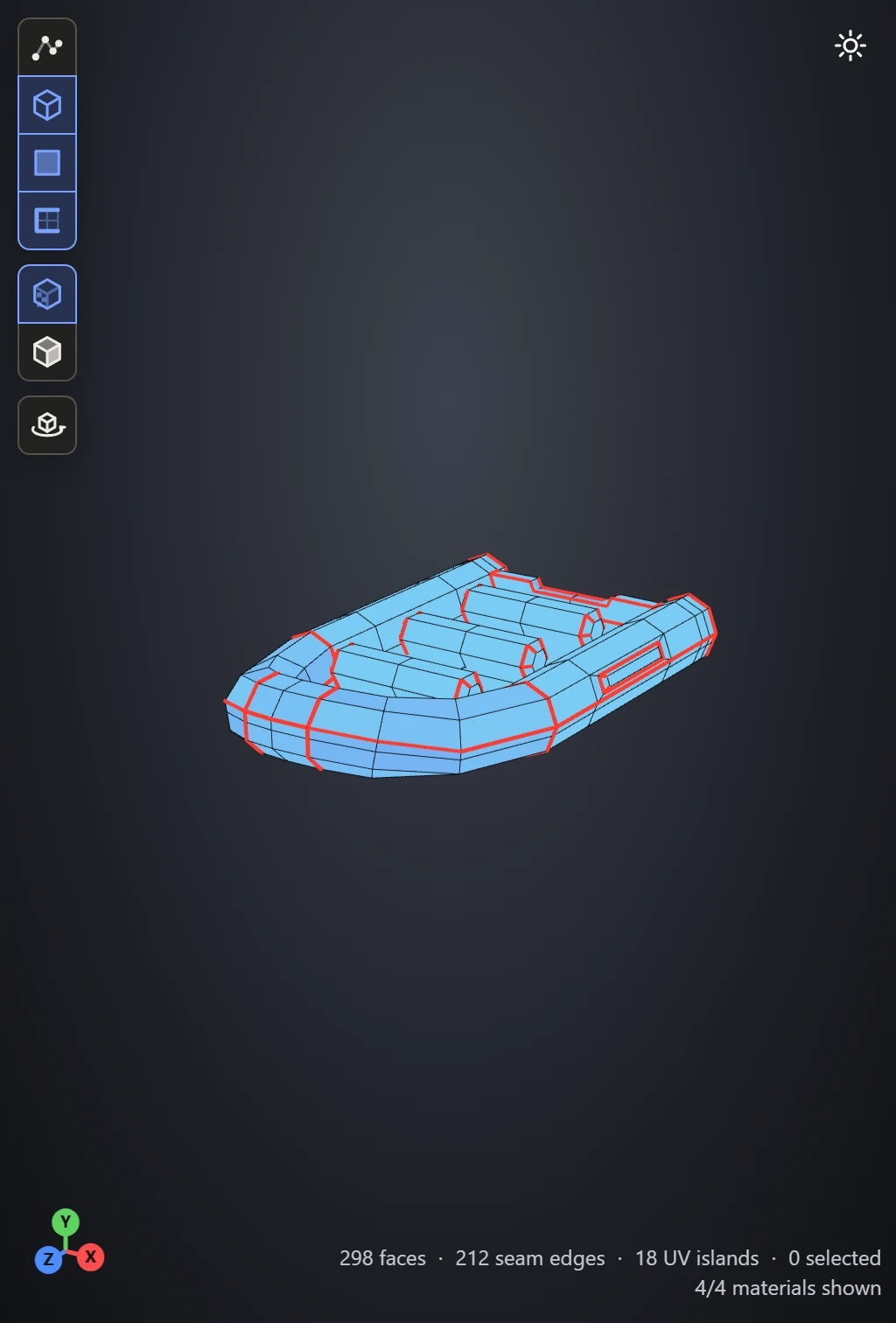
Moving around
Drag to turn the model, right- or middle-drag to move it, and use the wheel to zoom. F frames what's selected, or the whole model with nothing selected. See Mouse controls.
What it shows
The buttons down its left side switch what's drawn:
- Vertices, Wireframe and Faces: the model's points, its edges and its surface.
- Seams: the edges where the UVs are cut, in red.
- Textures: each material's texture, or the preview picked in the Textures section. It needs UVs to lay them out by.
- Lighting: light and shine on the model, to see its shape. Off, its colors and textures show flat, exactly as they are.
- Auto-rotate: the model turning on its own. Space over the view does the same.
The icon at the top right switches the background between dark and light.
Picking
Click a vertex, an edge, a face or an island, by the selection mode, and it's picked in the UV Layout too. What's under the mouse lights up in both views, so you can see where a face lands in the layout before you pick it. See Selecting in the views.
Along the foot
The axes at the bottom left show which way X, Y and Z point as you turn. At the bottom right, the view counts the faces shown, the seam edges, the UV islands and what's selected. A model with an animation has a timeline along its foot.