Selection modes
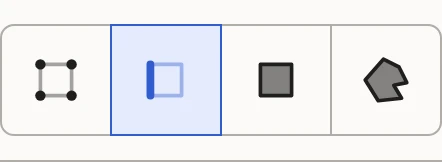
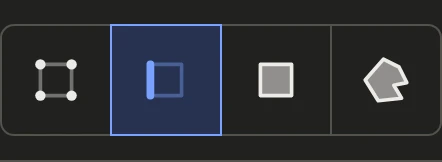
The four buttons at the top of the sidebar say what a click selects, in both views. Keys 1 to 4 switch between them.
Vertices
A point. In the 3D View, a vertex is every place it lands in the UV layout: a vertex on a seam lands in two or more. In the UV Layout, it's just the one under the mouse.
Edges
The line between two vertices. Double-click one to select its edge loop. Edges are what Split and Weld cut and join.
Faces
A face of the model: a triangle, or a polygon of more sides drawn as one.
Islands
A whole island: every face joined to the one clicked. An island in a group brings the rest of its group with it.
Hovering
Before you click, what a click would pick lights up under the mouse, in both views. A vertex or edge on a seam flashes where its other copies are in the UV Layout. Hold Shift and it stays steady, for picking just the one.
In Relax mode
While Relax is on, the mode stays as it is: Relax works on whole islands whatever is picked.