Source
The Source view shows the model as files, read-only.
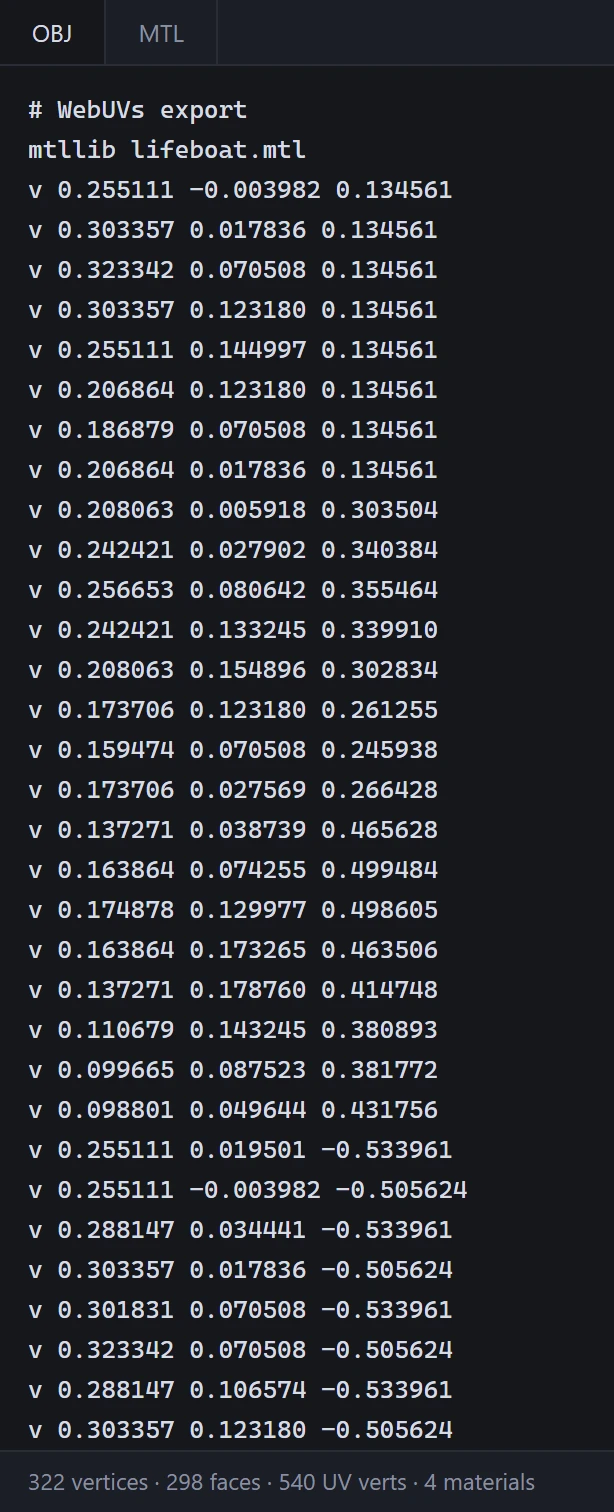
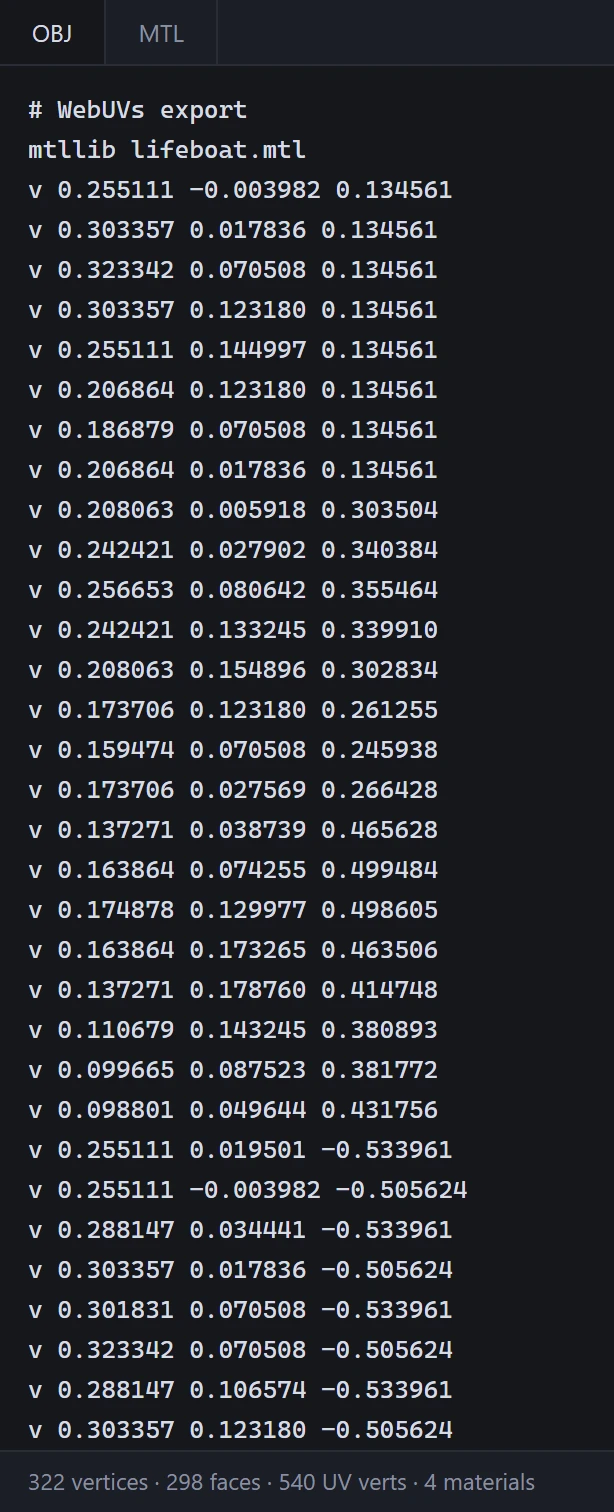
An OBJ model
Two tabs, OBJ and MTL, show the model as it is now, every edit made in the other views included:
- OBJ: its vertices, UVs and faces, as an OBJ file would have them.
- MTL: each material's color and texture file.
Under the text, a count of what it holds. These are the files Download As saves.
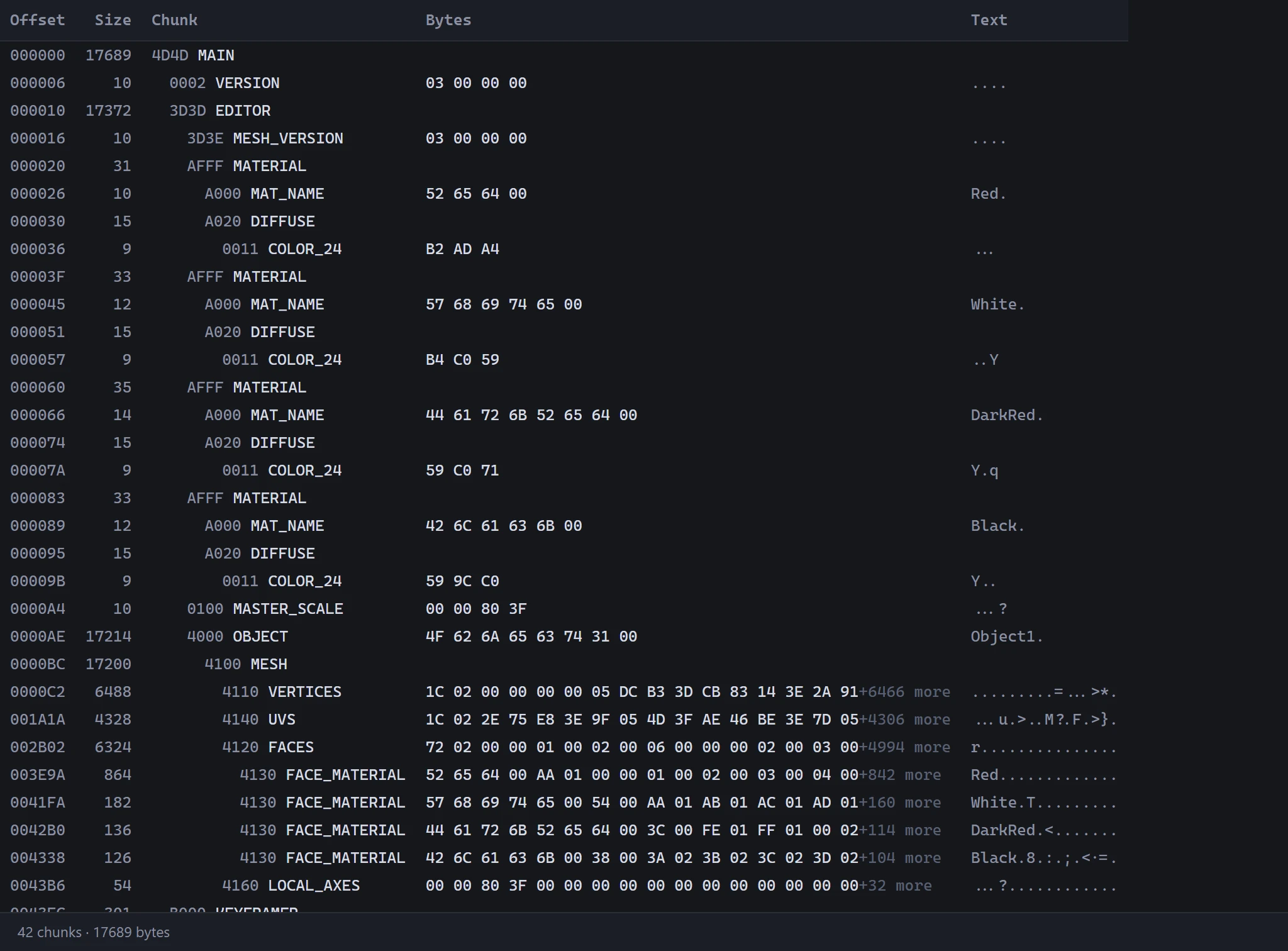
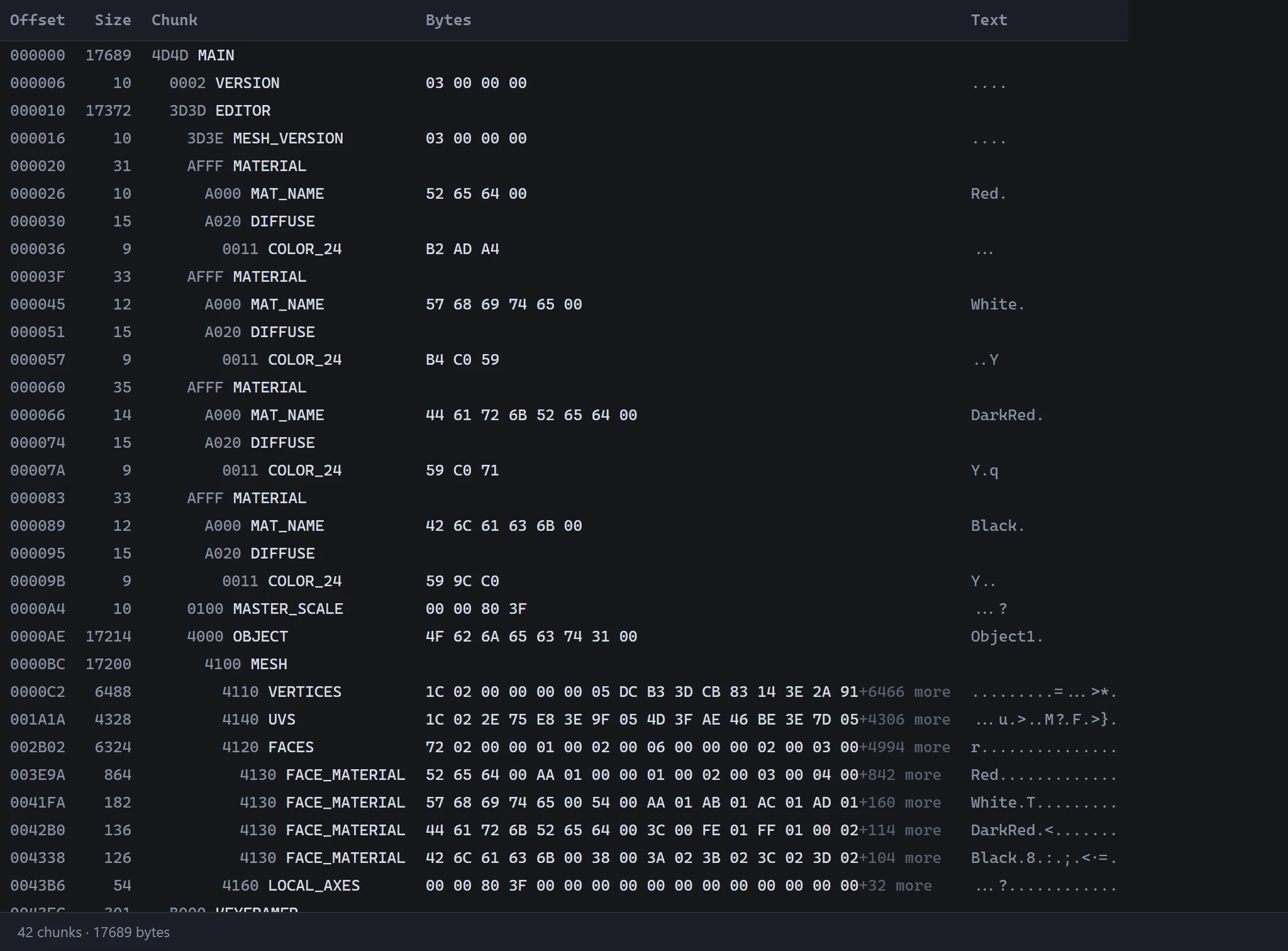
A .3ds or .i3d model
One tab shows the file just as it was opened, chunk by chunk: each chunk's offset in the file, its size, its name, and its own bytes in hex. A UV channel's chunk in an .i3d says which channel it is and how many UVs and faces it holds. Under the table, how many chunks and bytes the file has. See 3D Studio .3ds and .i3d.
Read-only
The Source view only shows the files: to change the model, work in the other views. To open a different file, use Open.