Texture Preview
The Preview, at the top of the Textures section, picks what's laid over the UVs: the model's own textures, or a pattern, colors or numbers that show how the UVs lie. It shows in the UV Layout, under the islands, and on the model in the 3D View with Textures on in its toolbar. The UV Layout names the one showing over the square's top right corner.
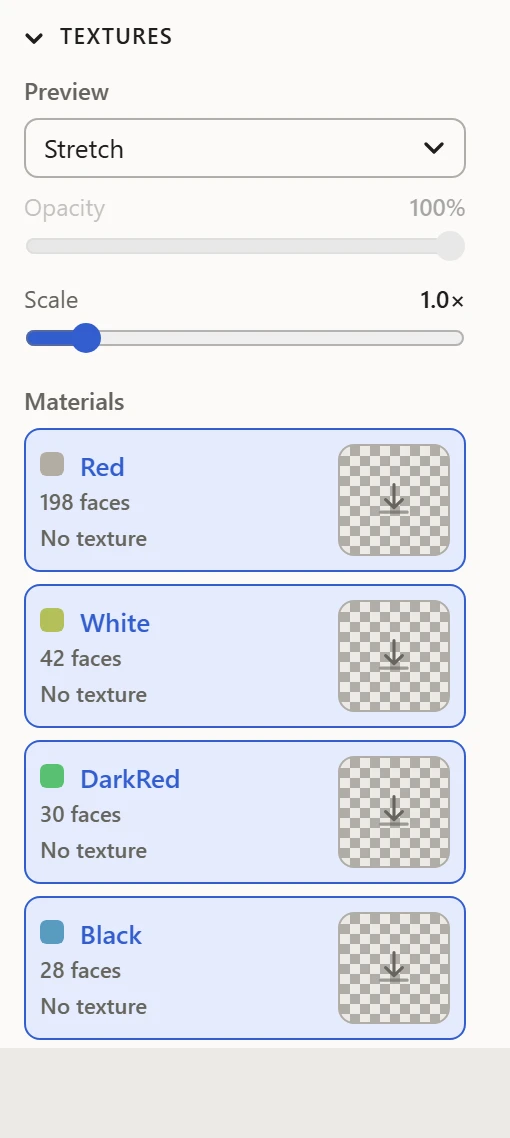
The previews
- Material: Base, each material's flat color, and File, each material's texture. See Materials and textures.
- Distortion: Stretch and Density, how true each face is to its shape and its size. See Stretch and Texel Density.
- Patterns: Color and Checker, test images to lay out against. See Color and Checker patterns.
- Numbers: Island and Face, each one numbered where it lies. See Island and Face Numbers.
- Orientation: Flipped Faces and Direction, which faces lie mirrored, and which way the texture runs. See Flipped Faces and Direction.
Until a model has UVs, only Base can be picked: the others need UVs to lay out by.
Opacity
How strongly the texture, pattern, arrows or numbers show in the UV Layout, over its background, and in an SVG saved with Include Texture Preview. It doesn't change the model in the 3D View.
Scale
What it does depends on the preview:
- Color, Checker and Direction: how many times the pattern repeats across the 0-1 square.
- Stretch and Texel Density: how sharply they color the faces. Higher shows smaller differences.
- Island and Face Numbers: how big the numbers are.