Relax
Relax evens out an island's stretch, a little at a time, while you watch.
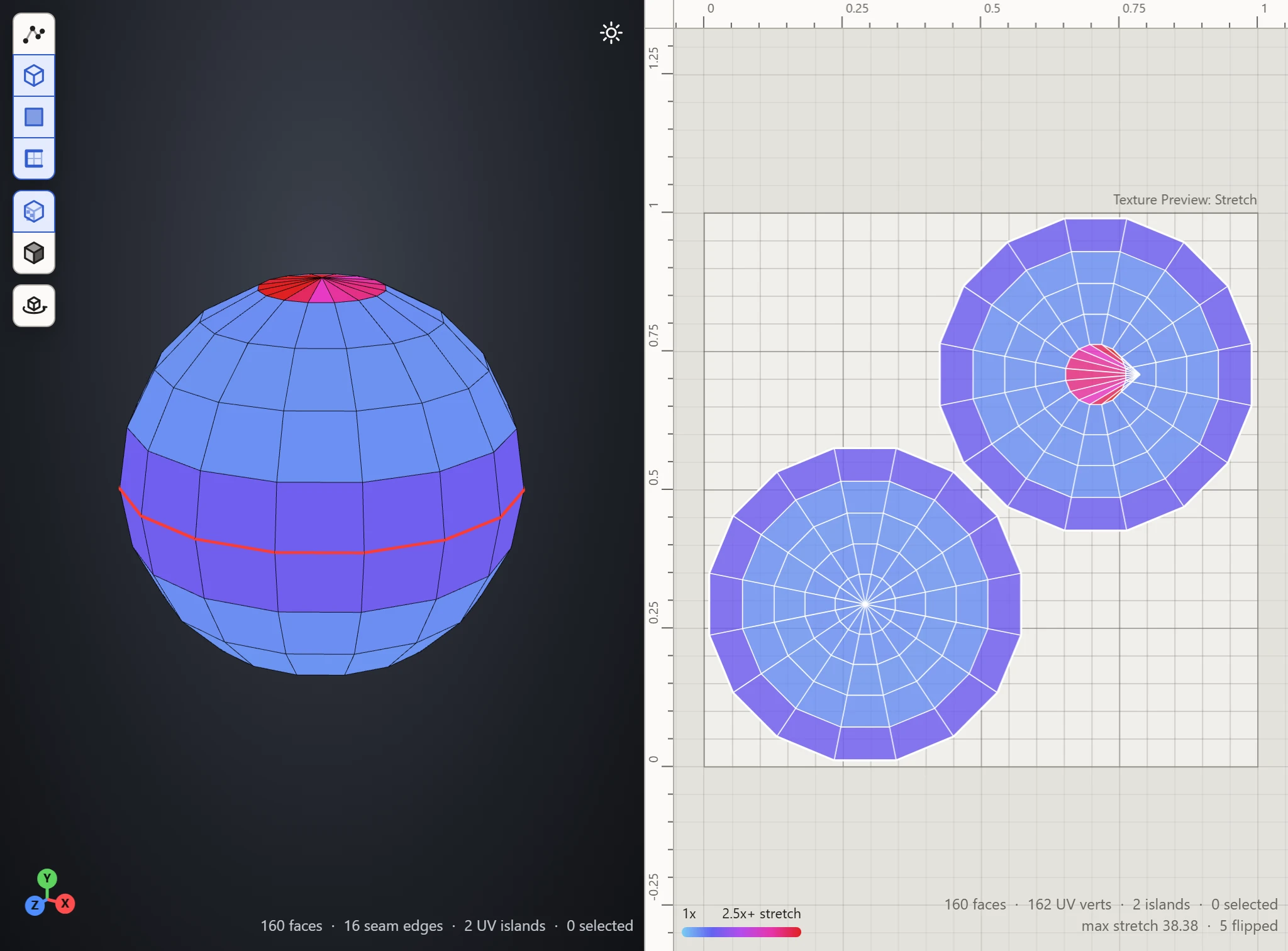
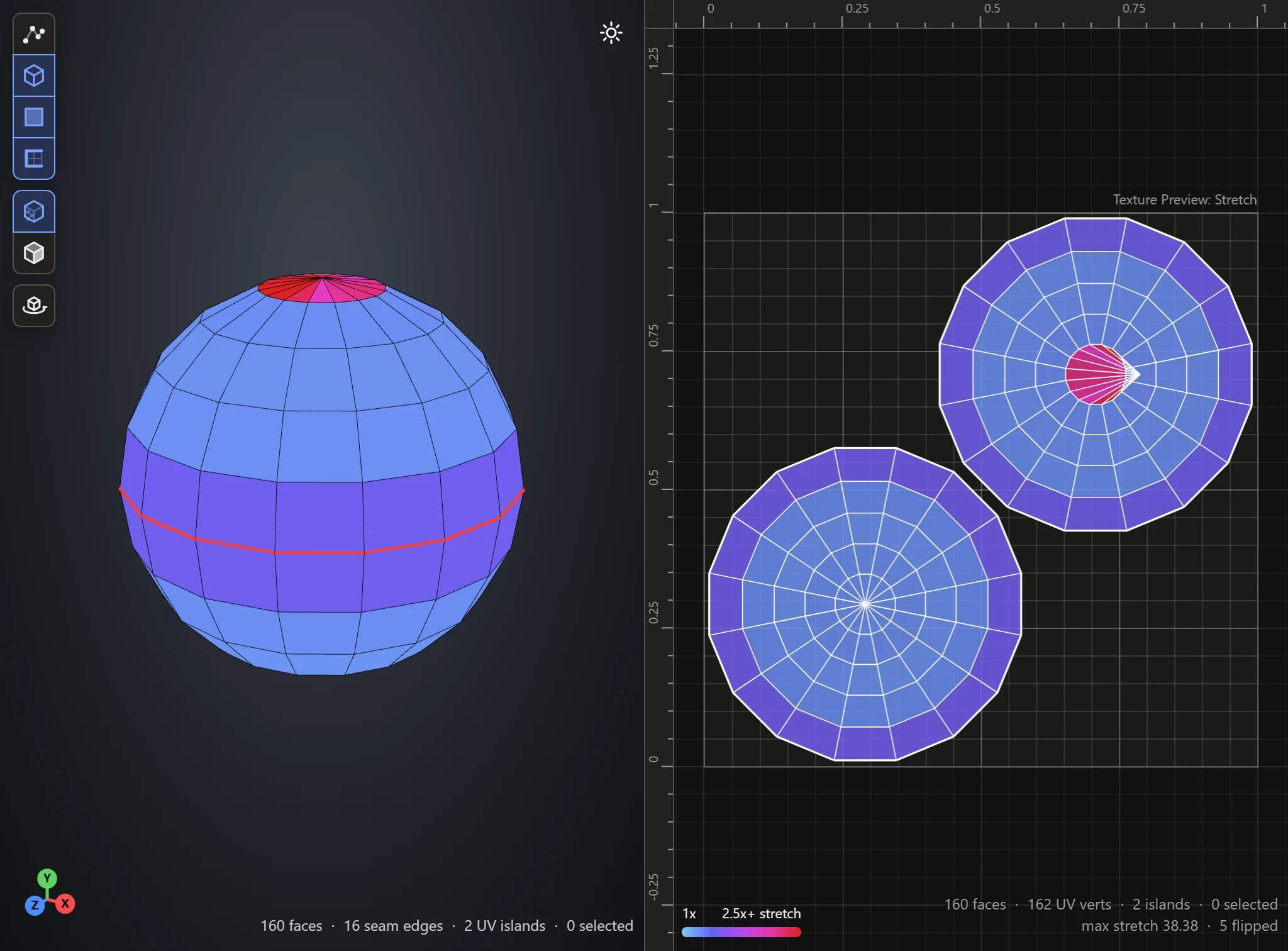
Relaxing an island
- Click Relax, in the UVs section, to turn Relax mode on.
- In the UV Layout, the island under the mouse shows its stretch. Press and hold it: it relaxes for as long as you hold.
- Let go when it looks right. Press another island to relax that one.
- Click Relax again, or press Esc, to leave Relax mode.
Clicking empty space inside the square does nothing; clicking outside it leaves Relax mode.
When it helps
- An island pulled out of shape by hand, such as by dragging its vertices: it settles back toward its true shape.
- Round pins: the rest of the island evens out about the vertices pinned.
A freshly flattened island is already as true as it can be, so Relax leaves it much as it is. For a piece that still stretches, cut another seam and Flatten again.
What it keeps
- Pins: pinned vertices stay where they are, and the rest relaxes around them.
- Its place: the island stays about where it was. It may grow over a neighbor as it relaxes; Pack afterwards to part them.
While it's on
The selection mode and the transform tools wait, as Relax works on whole islands.