Pins
A pinned UV vertex stays where it is while Relax moves the rest of its island around it.
Pinning
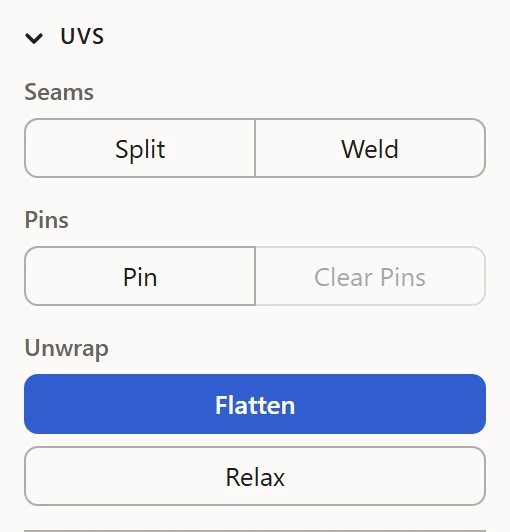
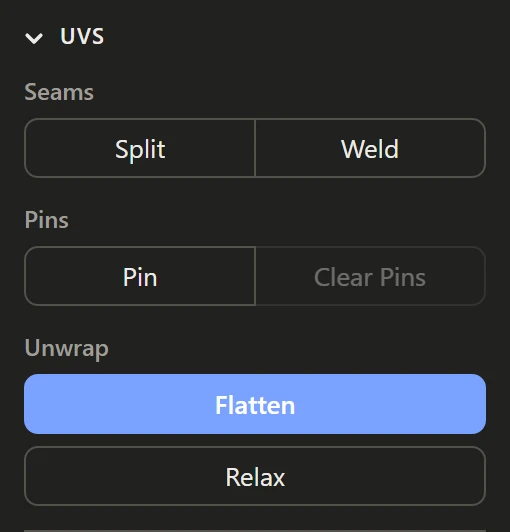
Select vertices, in either view, and click Pin, under Pins in the UVs section, or press P. Do it again to unpin them. Clear Pins unpins every vertex in the model.
What they're for
- Hold an island's straight edge straight while the middle relaxes.
- Keep the part of an island lined up with a texture's detail where it is.
- Relax one end of a long island without the other end moving.
Good to know
Pins stay with their vertices through Split and Weld and Flatten. Flatten lays the islands out afresh all the same: pins only hold against Relax.