Selecting in the views
What you select shows in both the 3D View and the UV Layout, so you can pick in whichever is easier and work on it in the other.
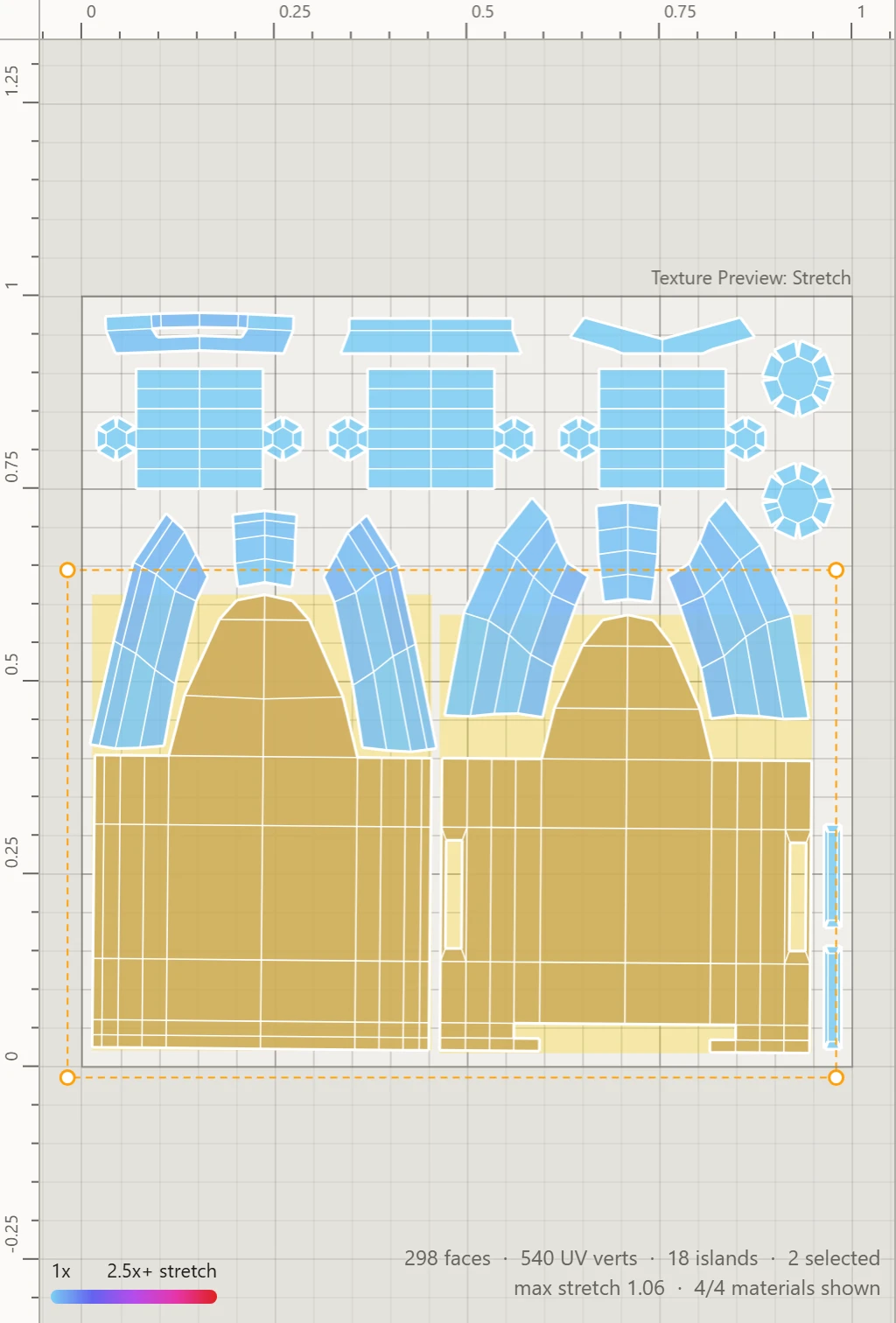
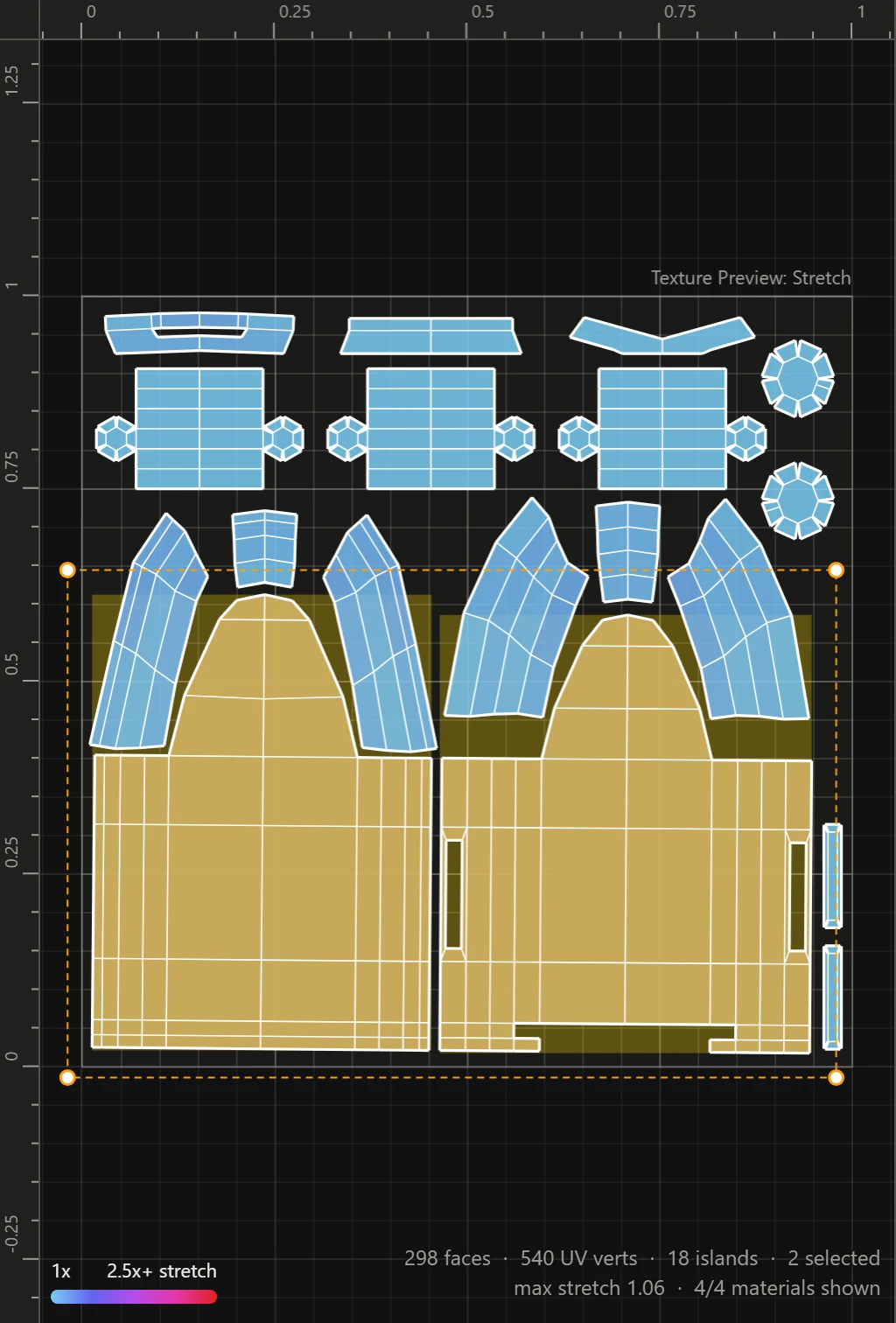
Clicking
- Click selects what's under the mouse, by the selection mode.
- Shift+click adds it to the selection, or takes it away if it's selected already.
- Click on nothing selects nothing.
- Double-click an edge, in Edges mode, selects its loop.
Box select
In the UV Layout, drag from empty space to draw a box: what it covers is selected. Hold Shift to add to the selection instead.
With Include touching on, in Workspace, the box picks all it touches or crosses; off, only what's wholly inside it. Tap Space over the UV Layout to switch it.
All or nothing
A selects everything shown, or nothing if everything is selected already. Esc selects nothing. Over the 3D View, A selects all its edges even before there are UVs.
Framing
F fills the view under the mouse with the selection, and the 3D View turns about it. With the mouse over neither view, both frame it. With nothing selected, F shows the whole model, and the 0-1 square.
Only the parts shown
Hidden objects and materials can't be selected, and the tools leave them alone. See Objects.