Fit: Contain and Cover
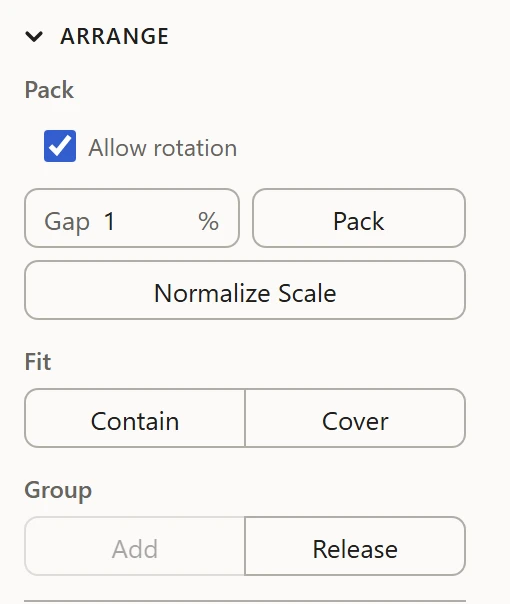
Contain and Cover, under Fit in the Arrange section, scale the selection to the 0-1 square, keeping its proportions, the way a picture is fitted to a frame. With nothing selected, they fit the whole layout of the parts shown.
Contain
Scales it to fit inside the square, its longer side spanning it, and centers it. Nothing runs over the edge.
Cover
Scales it to fill the square, its shorter side spanning it, and centers it. Its longer side runs over the edge.
When to use it
- Contain brings a layout that's drifted outside the square, or shrunk inside it, back to fill it.
- Cover makes one island fill the whole texture, such as a single label or panel.
Fit doesn't move islands apart or keep a gap: to arrange islands so none overlap, use Pack.