3D Studio .3ds
The .3ds format comes from 3D Studio, and most 3D programs still read and write it. A .3ds file is built of chunks: its meshes, their materials, and a keyframer that places and animates its objects. The Source view lists them.
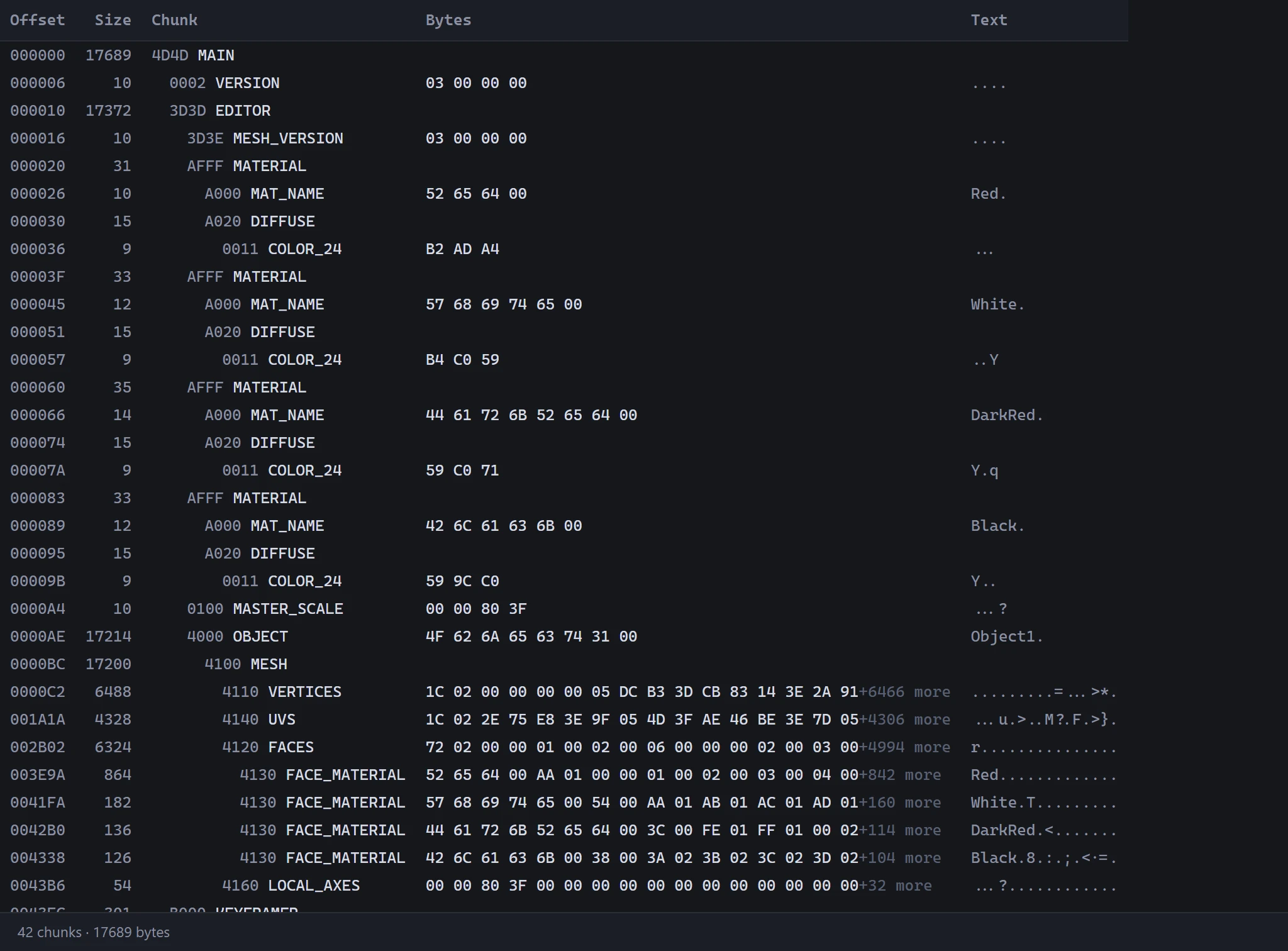
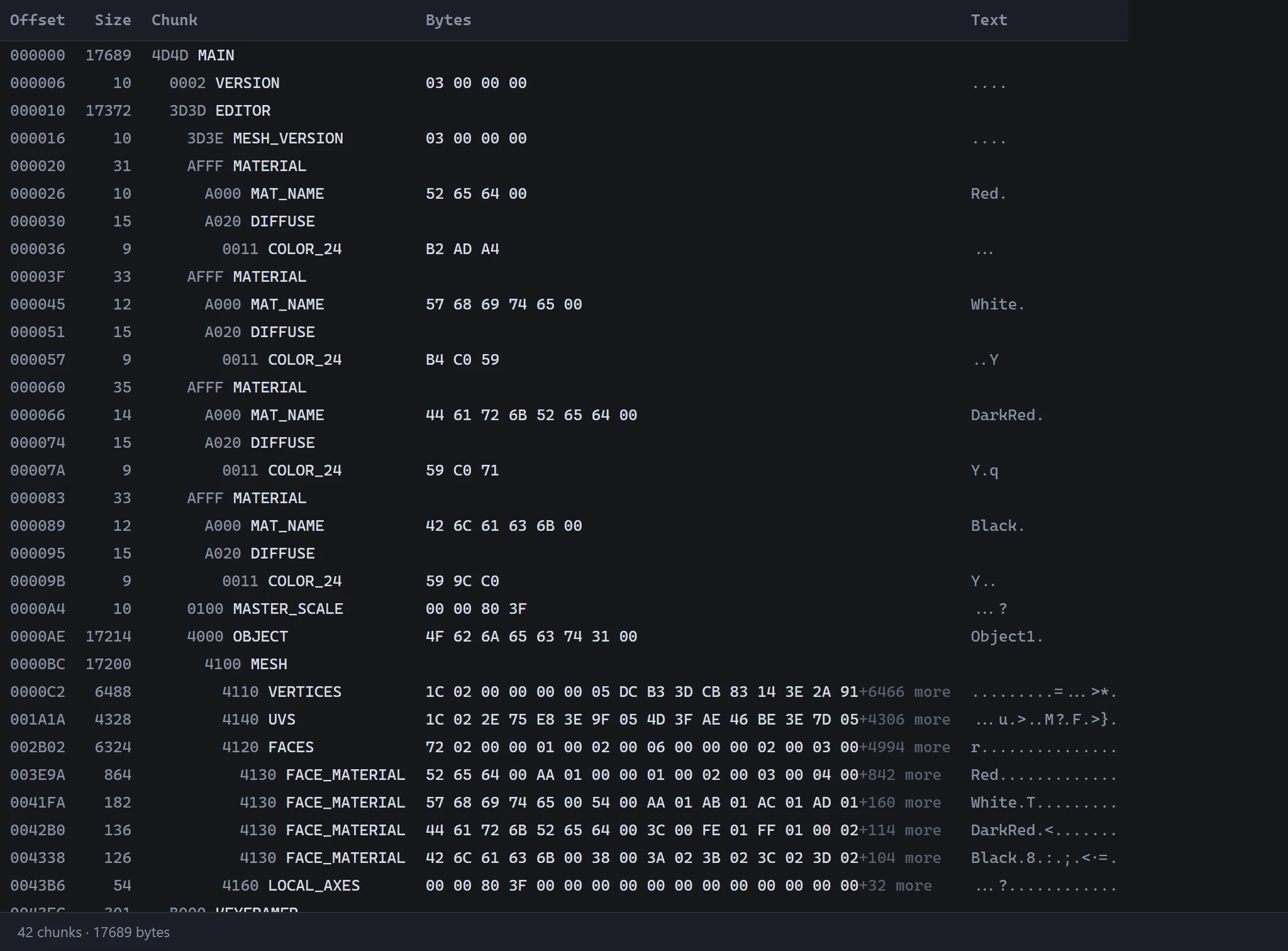
What WebUVs reads
- Meshes, each an object, with their UVs.
- Materials: each one's color, texture and opacity map.
- The keyframer: how the objects nest, where each stands, and any animation, played in the 3D View at 30 frames a second. See Timeline.
A .3ds mesh holds one UV per vertex, so a vertex on a seam is stored once for each side of it. WebUVs reads those copies as one point on the model, cut by a seam in the UV layout.
Saving it back
Pick its own 3DS under Download As to save the file back with the UVs as they are now. Only the meshes' UVs change, and the vertices new seams need; every other byte, its animation included, stays as it was.
Saving back can be refused:
- An object in a morph: a morph moves its vertices one for one, so new seams on it can't be saved. Moving its UVs alone can.
- Too many vertices: a mesh holds at most 65,535, and new seams add some.
A new .3ds
A model opened from an OBJ or an .i3d can be saved as a new .3ds: each object a mesh with its UVs, each material's color, texture and opacity map, standing Z up as a .3ds does, at the frame showing. It holds no keyframer: no animation, hierarchy or pivots.
Good to know
A .3ds stands Z up. WebUVs shows it so to begin with: see Orientation.