Unwrap a sphere
A sphere can't lie flat without stretching, just as no flat map of the world is true everywhere. What you choose is how many seams to cut, and so how much it stretches.
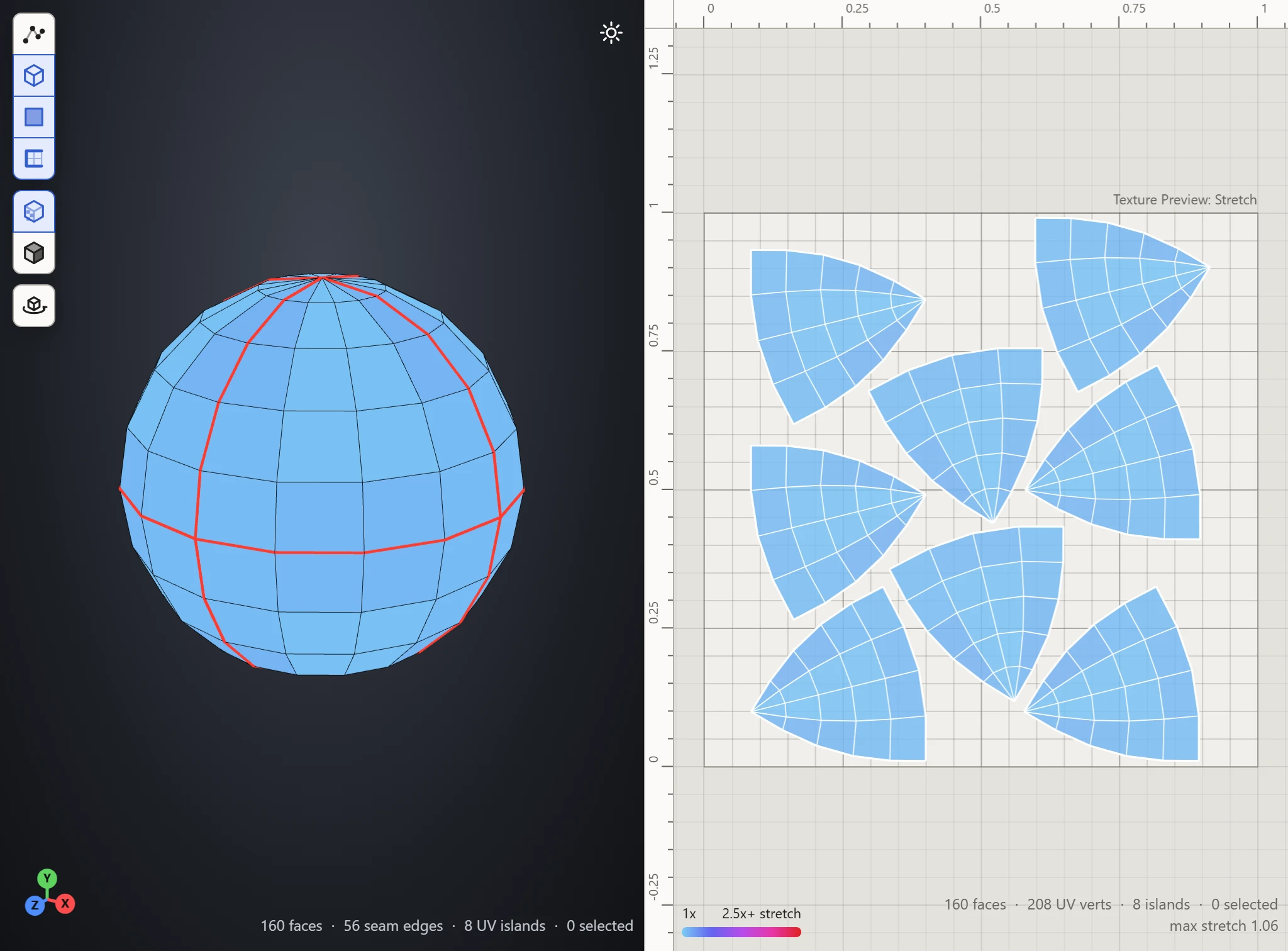
Eight pieces, in one click
- Open File and, under Examples, with Pre-unwrapped unticked, click the sphere under Primitives.
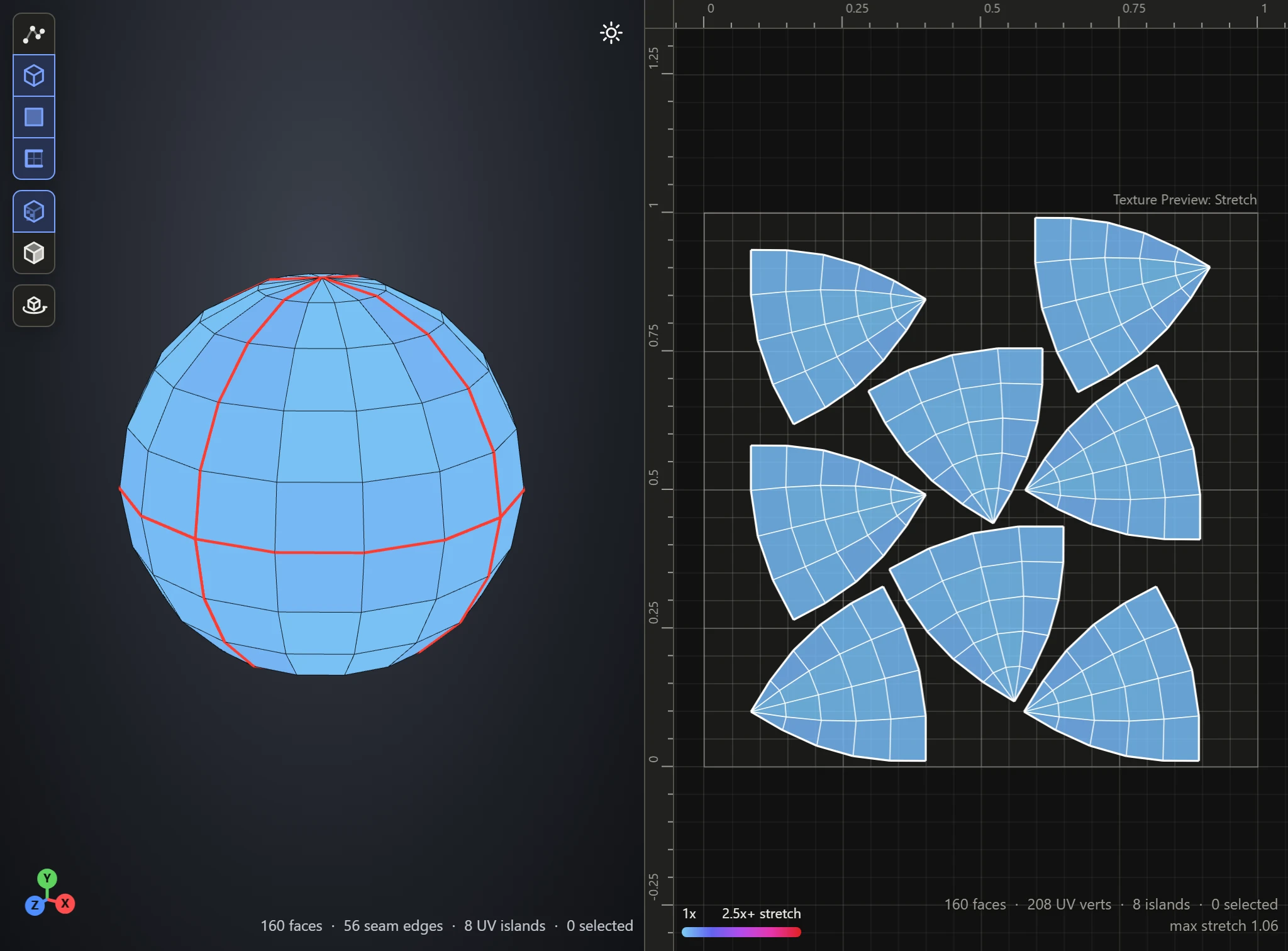
- Click Generate UVs. A smooth closed shape has no sharp edges to cut along, so it's cut along the three planes through its middle into eight pieces, one for each octant. Each is small enough to lie nearly flat.
Two hemispheres
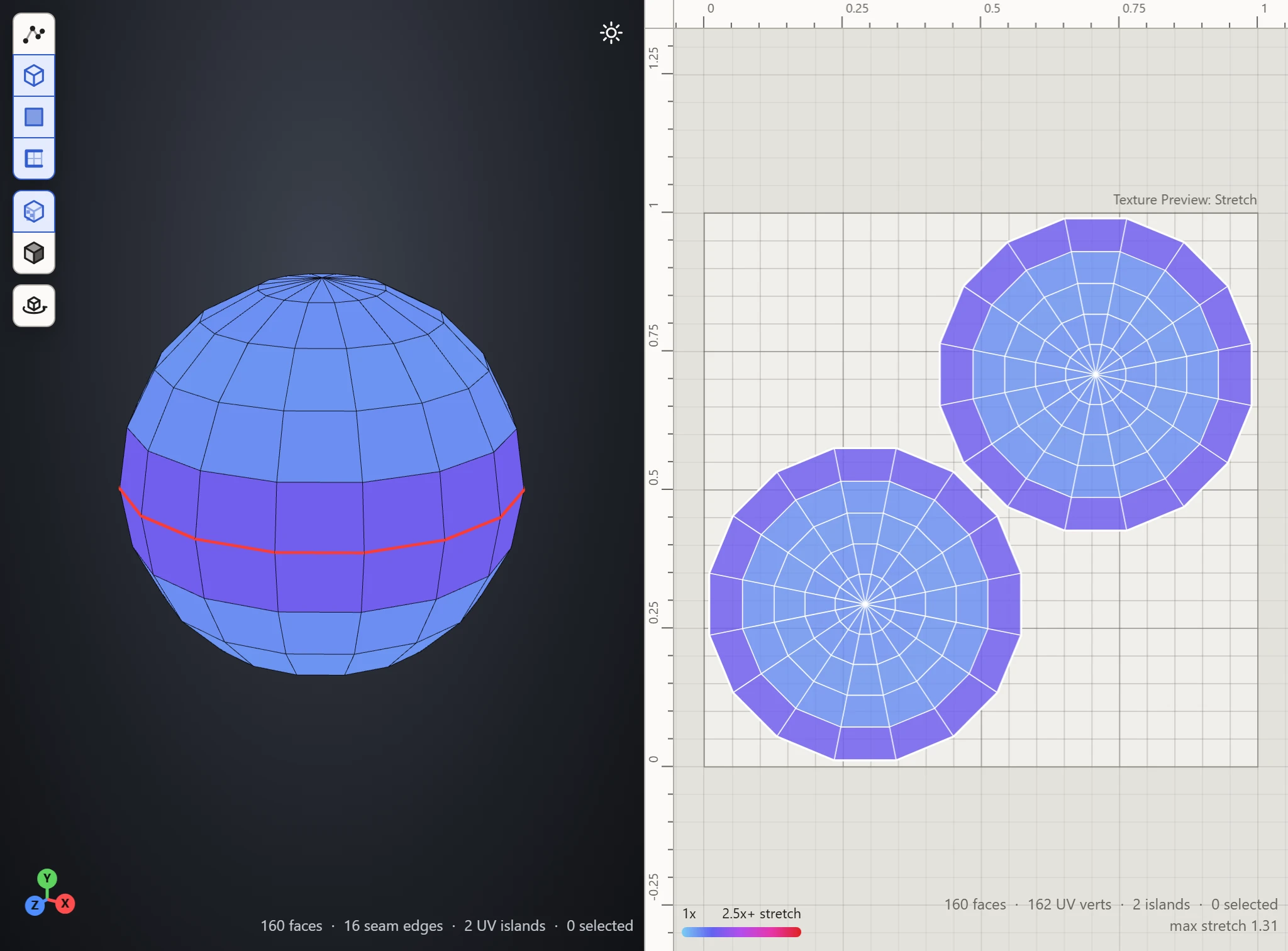
- Open the bare sphere again, and press 2 for Edges mode.
- In the 3D View, double-click an edge round its middle, its equator, to select the whole loop.
- Click Split, then Flatten.
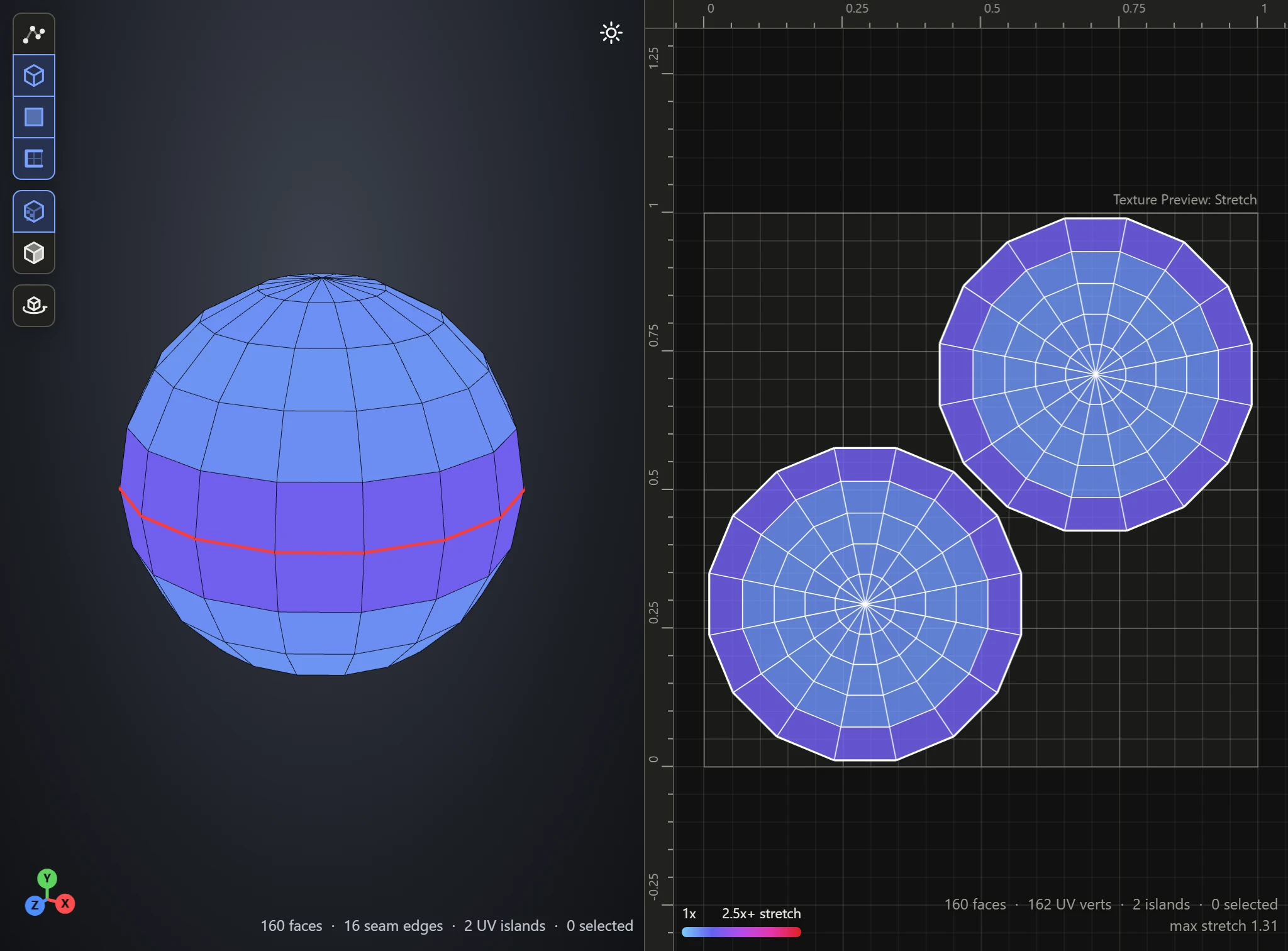
Each hemisphere lies as a round piece, stretched most toward its rim. Fewer seams, more stretch; more seams, less, but more places where a texture has to match across a cut.
Check it
Pick the Stretch preview to see where the stretch went, and the Checker pattern to see how a texture will look across it. See Stretch and Texel Density.