Edit a .3ds model's UVs and save it back
WebUVs can change the UVs of a .3ds model and save them back into its own file, leaving everything else in it, its animation included, just as it was.
Open it
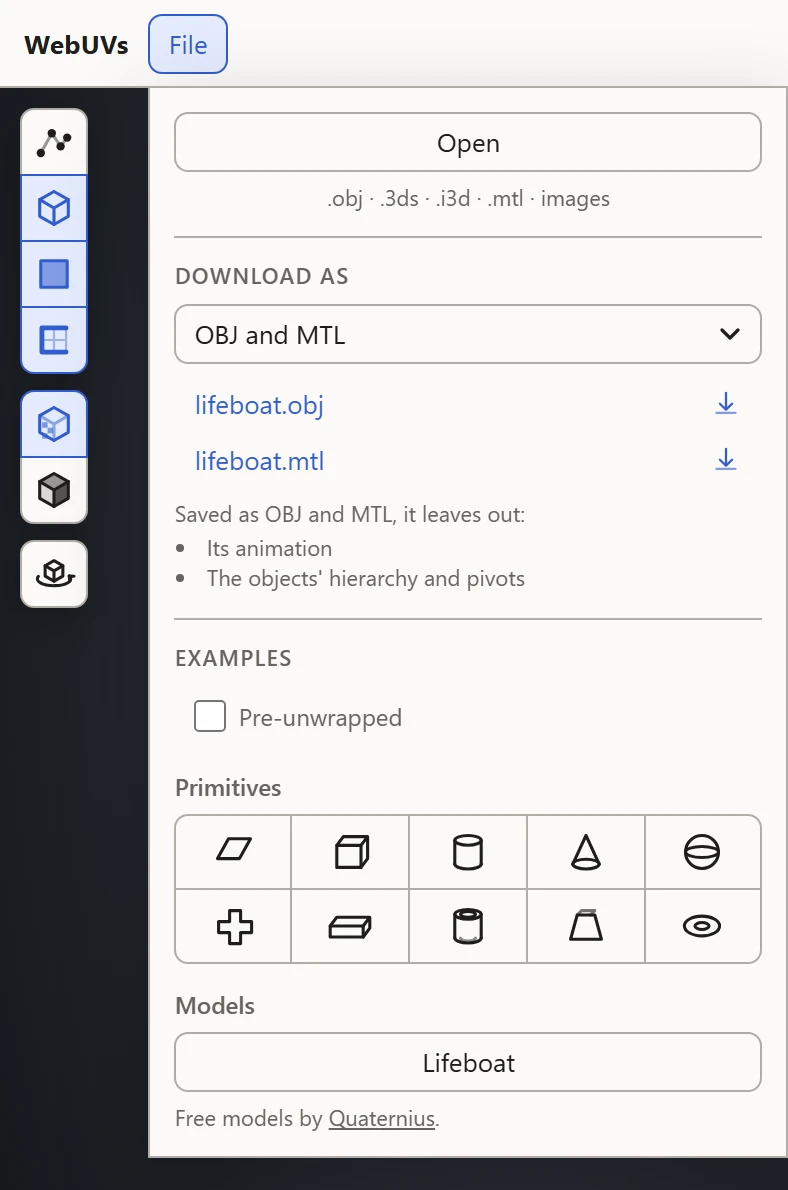
Open File, pick Open, and choose the .3ds file along with its texture images. Each texture goes to the material that names it, and they show on the model at once, on the File preview with Textures on in the 3D View.
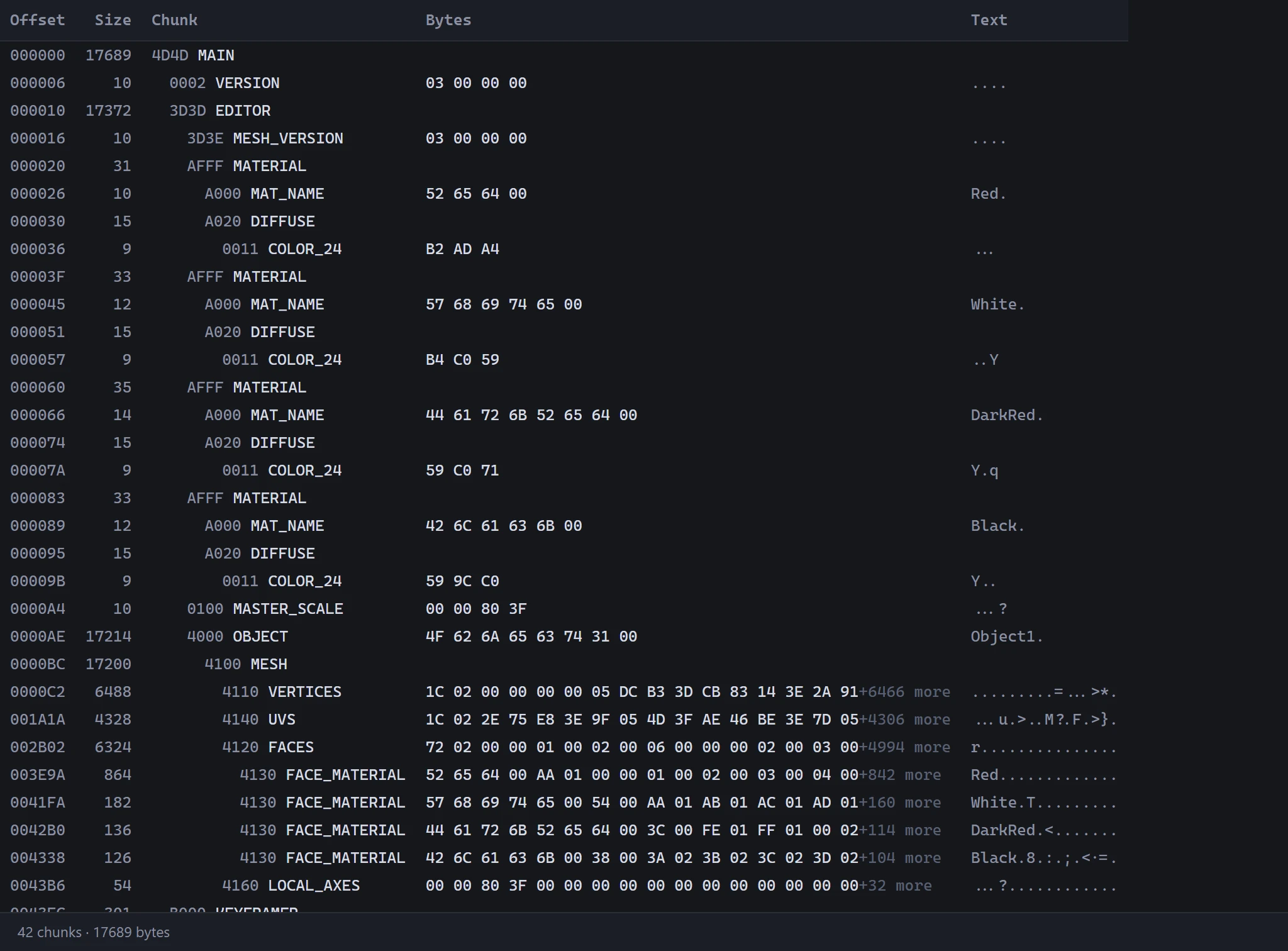
The Source view lists the file's chunks, just as they were opened.
Change its UVs
Work on the layout as on any model: move, scale and turn islands, cut new seams, and Flatten or Relax them. An animated model plays in the 3D View, along its timeline; its UVs are the same in every frame.
Save it back
- Open File. Under Download As, its own 3DS (3D Studio) is picked to begin with.
- Click the file to download it: the same file, with its UVs as they are now.
Saving can be refused for an object that's part of a morph, if it has new seams, or for a mesh that would have more than 65,535 vertices. See 3D Studio .3ds.
Or as an OBJ
Pick OBJ and MTL instead to save it for a program that doesn't read .3ds. The menu lists what an OBJ leaves out, such as the animation, and the model is saved posed as its timeline shows it. See Saving and exporting.