UV Layout
The UV Layout shows the model's UVs flat: each face where it lands on the texture, in the 0-1 square.
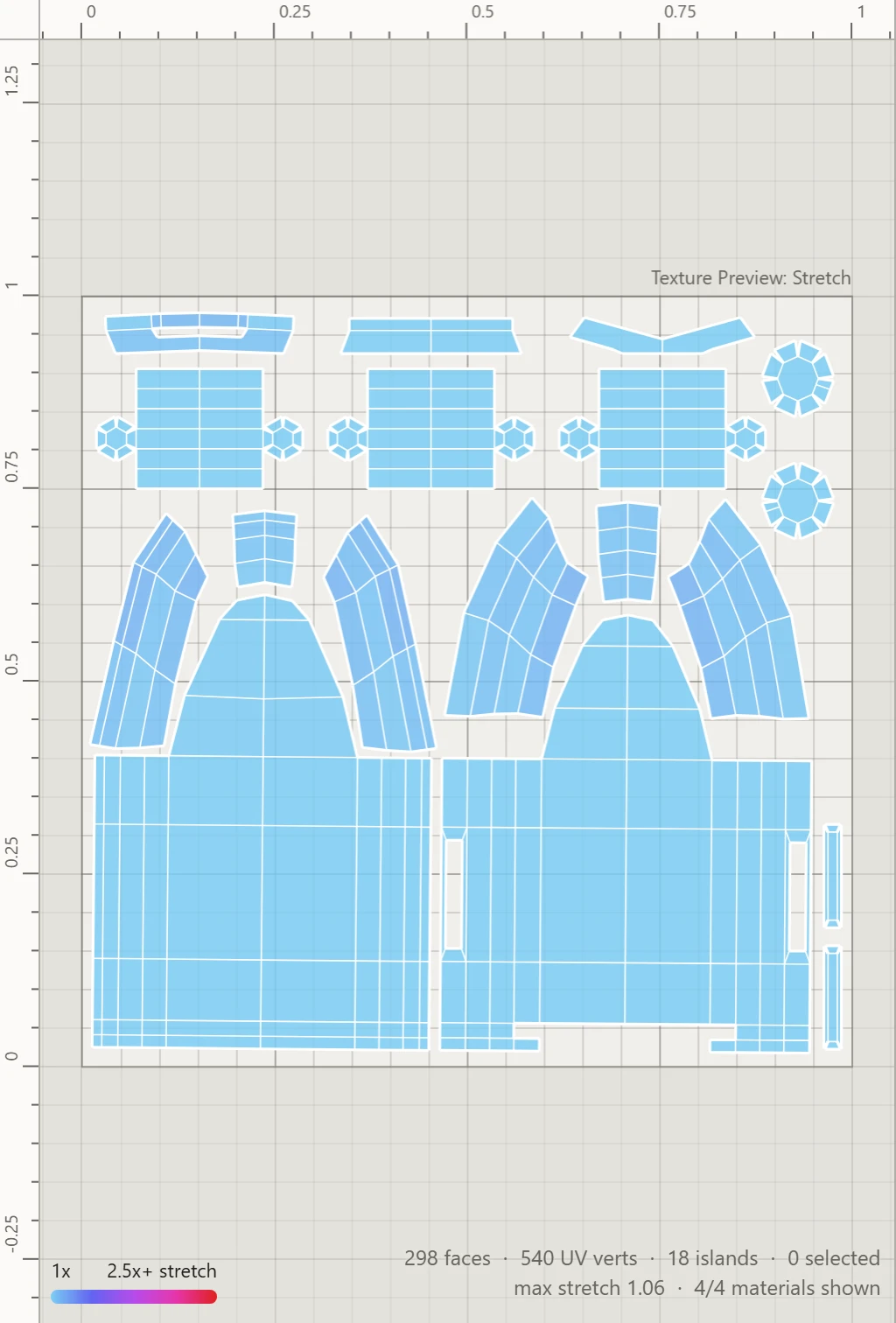
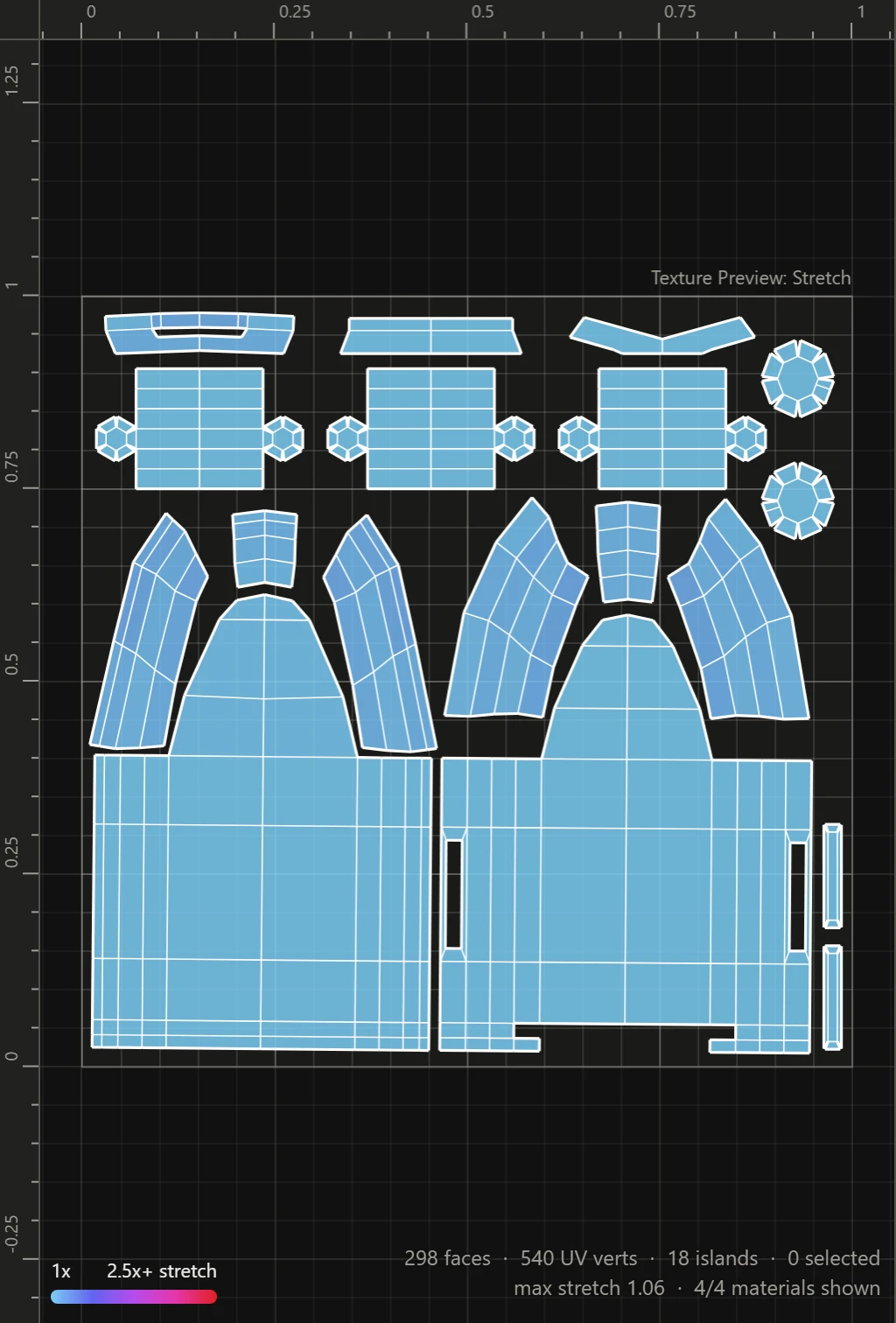
The square
The square is the whole texture once over, with rulers along its top and left. The grid's size and a margin guide inside the square are set under Grid in Workspace. Over the square's top right corner, the name of the preview showing. See Texture Preview.
Moving around
Use the wheel to zoom at the mouse, and right- or middle-drag, or hold Space and drag, to pan. F frames what's selected, or the square with nothing selected. See Mouse controls.
Working on the layout
Select vertices, edges, faces or islands, by the selection mode, then:
- drag them to move them, the corner handles to scale them, or just outside a corner to turn them
- use the arrow keys to nudge them
- use the sidebar's tools: Transform, Arrange and Seams
A group's islands show a dashed box, named over its corner. See Island groups.
Along the foot
At the bottom left, the key to the Stretch or Texel Density preview while either shows. At the bottom right, the view counts the faces, UV vertices and islands shown, what's selected and the most stretch on any face, and any faces laid out flipped.
No UVs yet
A model without UVs shows This mesh has no UVs yet in the square, with a Generate UVs button that lays them all out in one go.