Pack
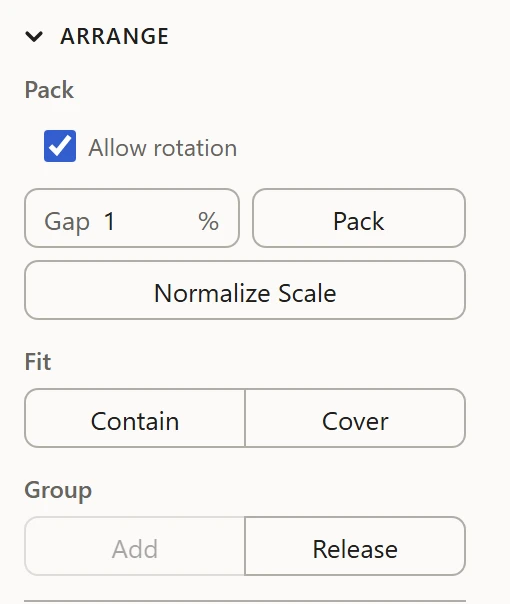
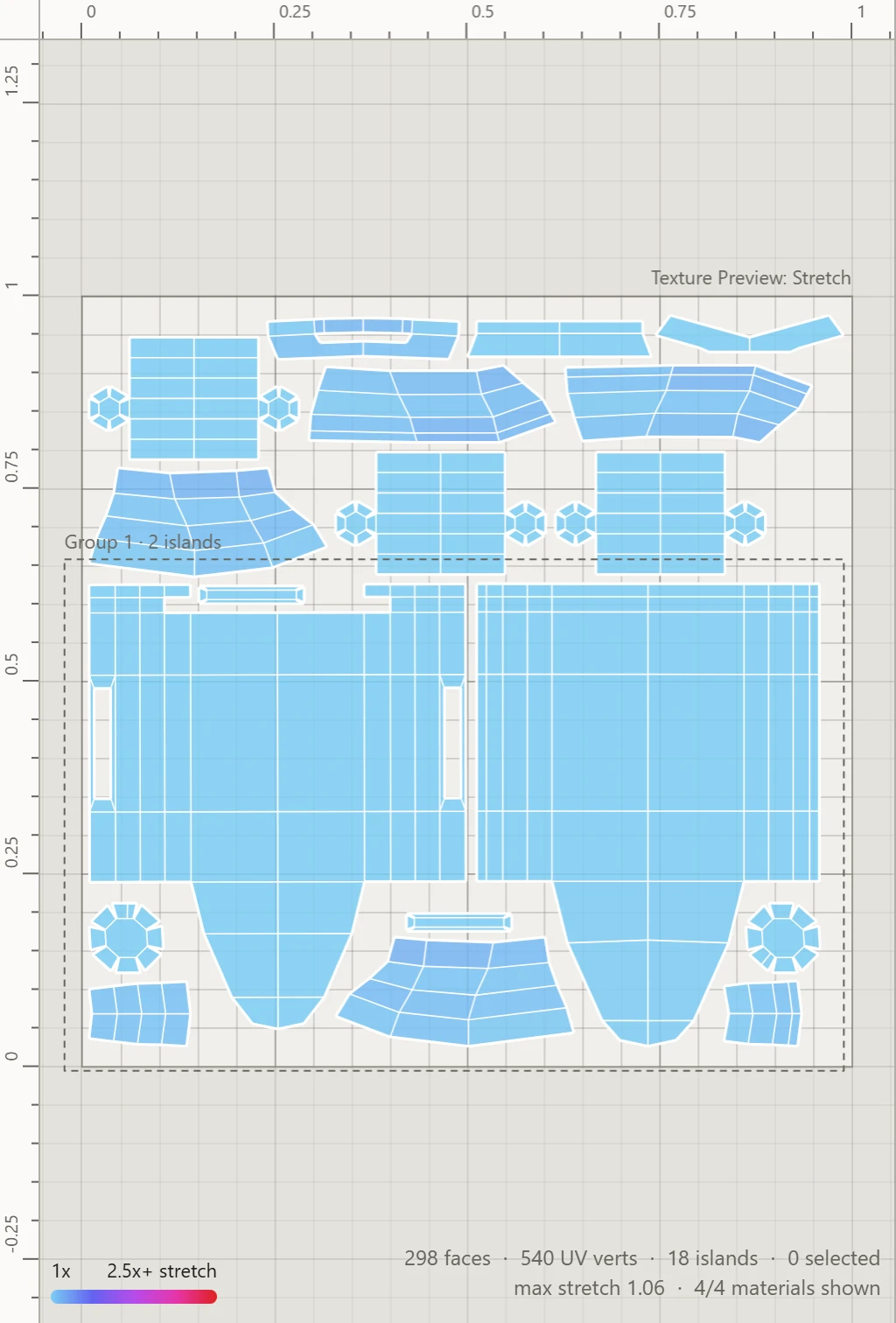
Pack, in the Arrange section, fits every island into the 0-1 square together, none overlapping, so the texture is used as fully as it can be.
How it packs
The biggest islands go in first, each where it grows the packing least. Islands are fitted by their real shapes, not their boxes, so smaller ones fill the gaps beside, between and even inside bigger ones. The whole packing is then scaled to fill the square, keeping every island's size against the others.
Allow rotation
With Allow rotation ticked, as it is to begin with, each island may turn to fit: first to its snuggest angle, where its box is smallest and a rectangle's sides lie square to its neighbors', then in steps of 45° from there. Untick it to keep every island at its angle, for a texture with a direction to it, such as wood grain, bricks or writing.
Gap
Gap is the least space kept between islands, and from the square's edge, as a percentage of the square: 1% to begin with, up to 10%. Some room keeps a texture's colors from bleeding from one island into the next when it's shown small. Flatten and Normalize Scale keep the same gap.
What it moves
- Only the islands of the parts shown: the hidden ones stay where they are.
- A group packs as one piece, its islands keeping their places among them.
- Each island keeps its shape: Pack only moves, turns and scales them all together.
To give every island the same texel density as it packs, use Normalize Scale instead.