Align
Align lines up the selected islands' edges or middles, as a drawing program lines up shapes.
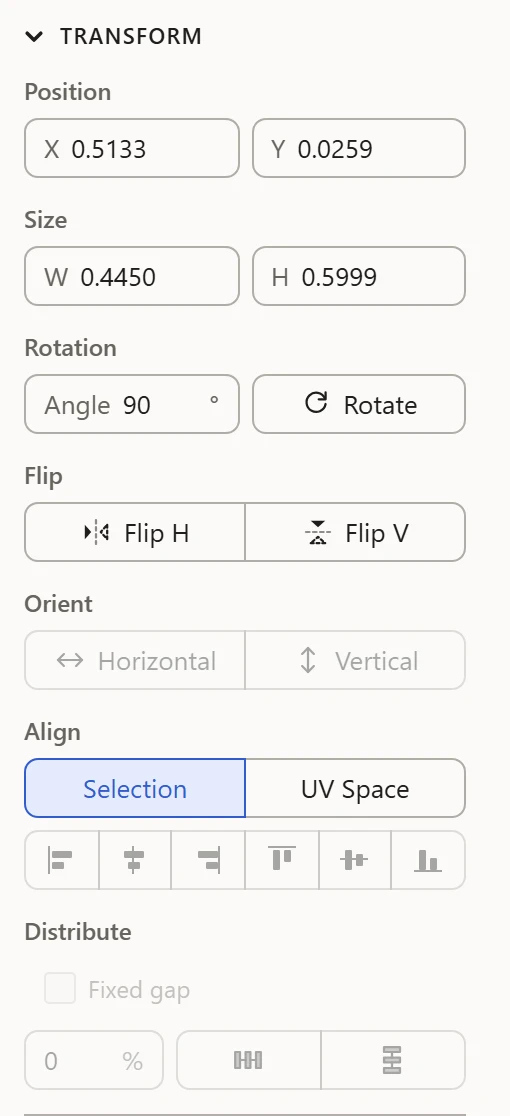
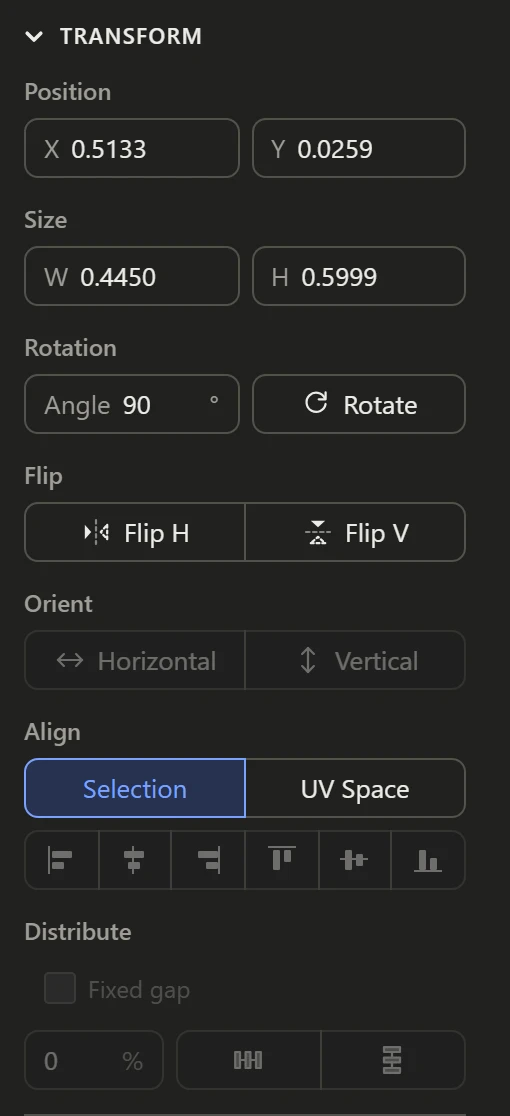
To what
Pick what they line up to first:
- Selection: the box round everything selected. Align left moves every island's left edge to the leftmost one's.
- UV Space: the 0-1 square. Align left moves every island to the square's left edge.
The buttons
Left, center and right line islands up across; top, middle and bottom line them up and down. Each island moves whole, as it is.
Good to know
Align works on islands, so select at least part of each island to move. To space islands evenly instead of lining them up, see Distribute.