Grid and snapping
The grid and the snapping settings are in the Workspace section.
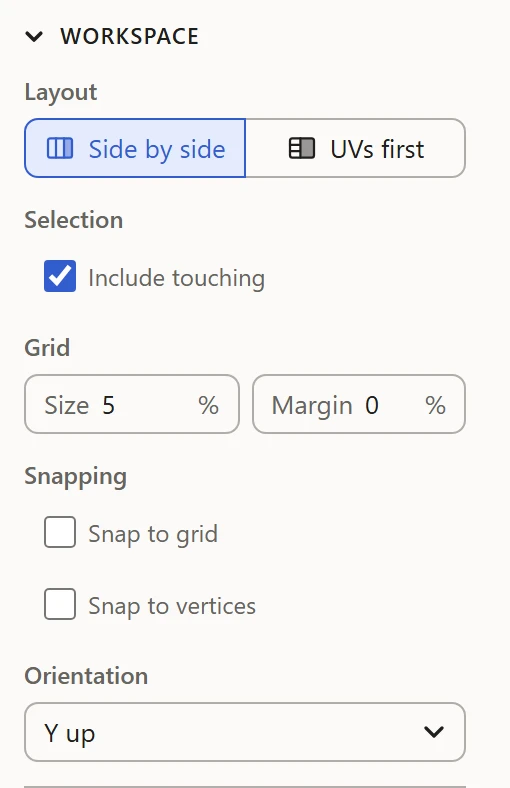
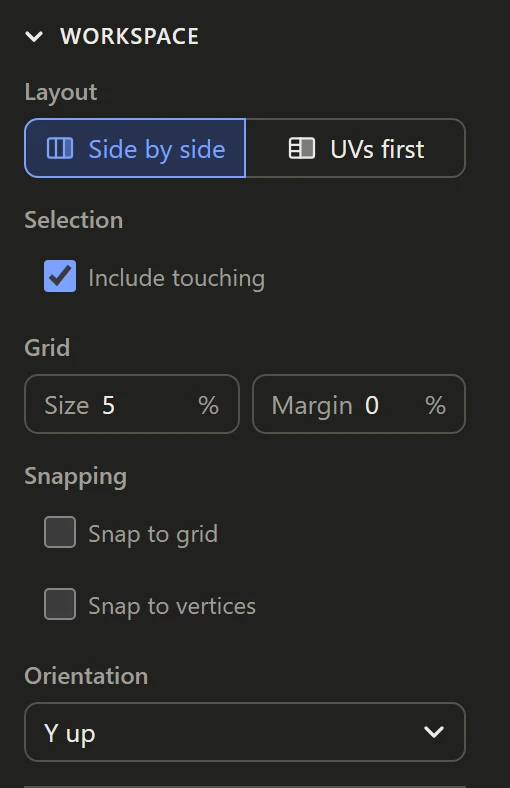
Grid
- Size: the spacing of the grid drawn over the UV Layout, as a percentage of the 0-1 square. Every fifth line is drawn stronger.
- Margin: a guide line this far in from the square's edge, with the band outside it shaded. It only shows: it doesn't move or hold anything. Use it to keep islands clear of the edge.
Snapping
- Snap to grid: moving the selection lines up its box's corner nearest where you grabbed it with the grid, or with the square's edge when that's nearer.
- Snap to vertices: moving the selection drops it onto another vertex when one of its own vertices comes close, to butt islands up against each other exactly.
Snapping works on dragging in the UV Layout. The arrow keys and typed values move by exactly what they say.