The SVG layout
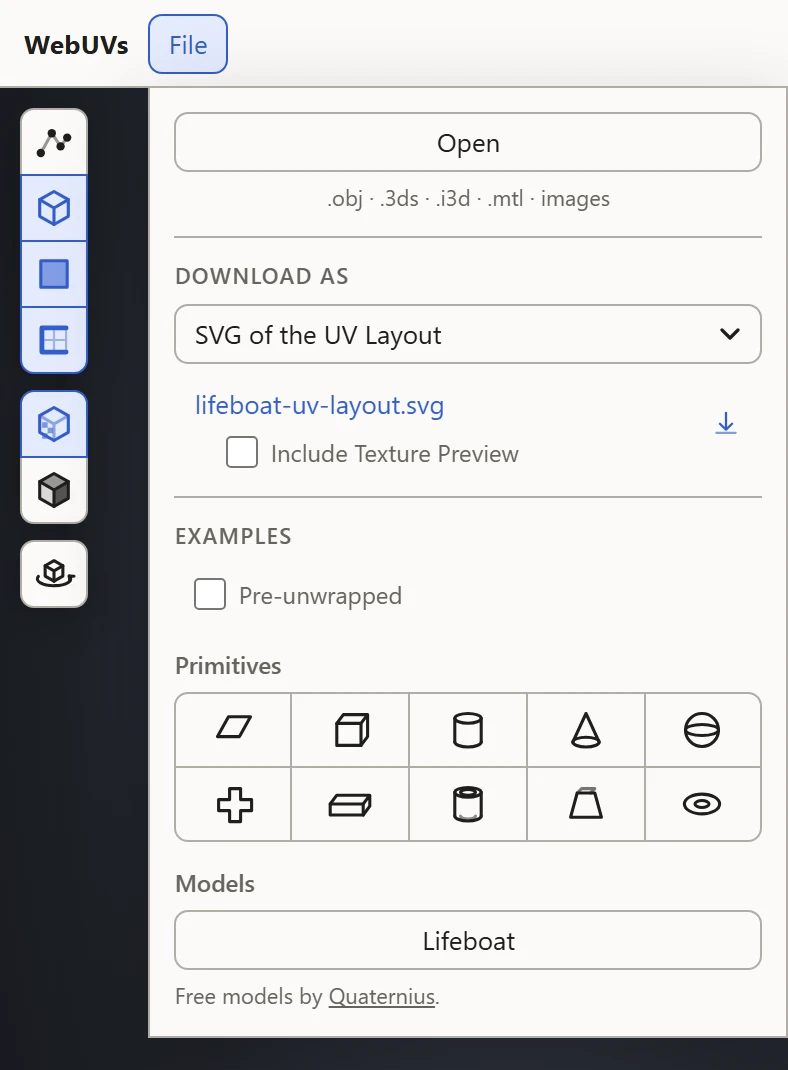
SVG of the UV Layout, under Download As in the File menu, saves the layout as an SVG: the islands' outlines and edges as lines, to paint a texture over in an image editor.
What's in it
- The 0-1 square, as the whole image: open it at the size of the texture you're painting.
- Each face's edges as lines, the islands' borders bolder. A quad shows as a quad, without the line across it.
- The layout the way up the UV Layout shows it, its top the texture's top.
Only the parts shown
The SVG holds the parts shown. To save the layout of one material's texture alone, hide the others first: click Hide all in the Textures section, then that material's row.
Include Texture Preview
Tick Include Texture Preview to put what the preview shows under the lines, at its Opacity: the texture, a pattern, the Stretch or Texel Density colors, or the numbers.
Painting over it
Open the SVG in an image editor at the texture's size, put it on a layer of its own over the texture, and paint below it. Islands drawn at the edge of the square tile into the next copy, so keep paint that should stop at an island inside its lines.