Flip and orient
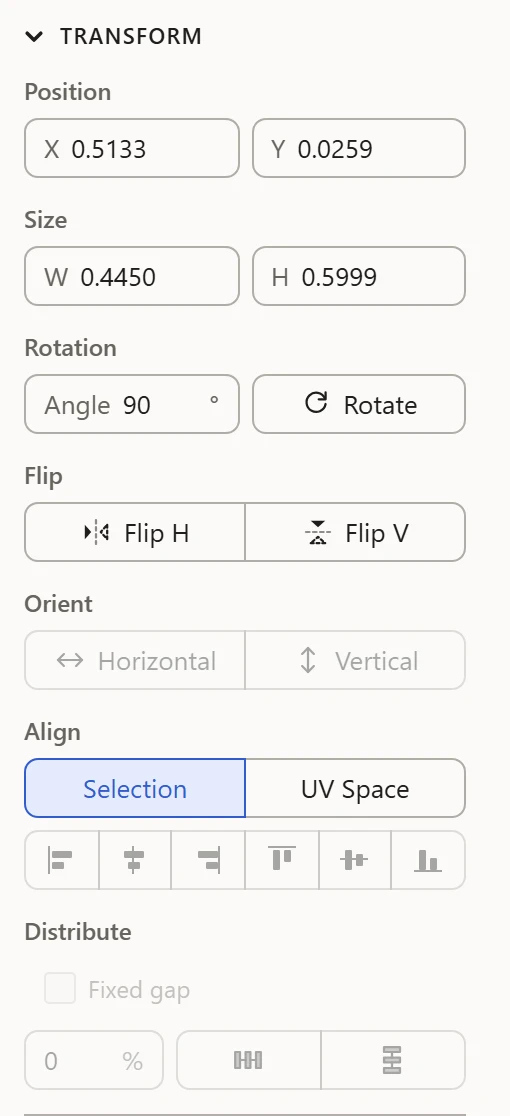
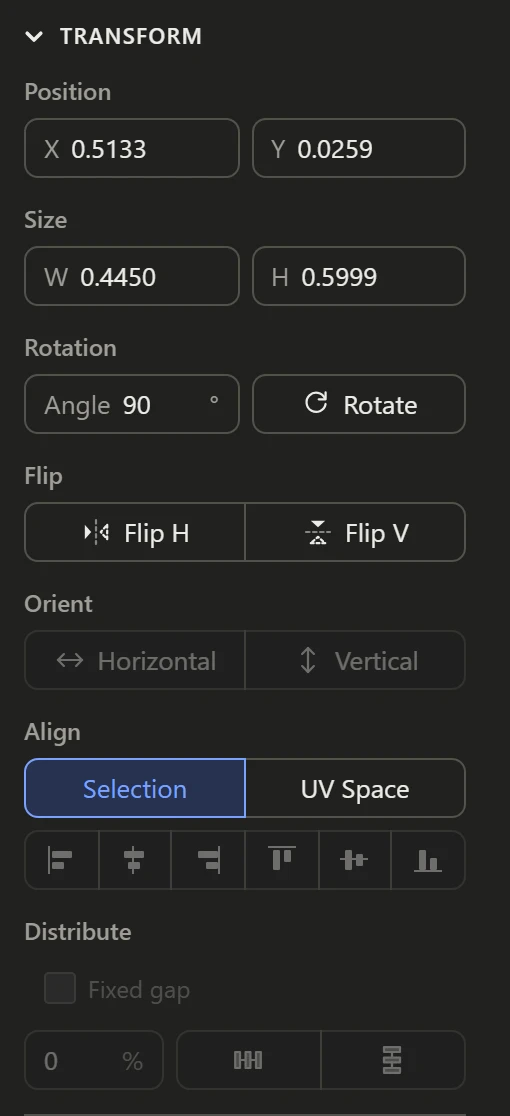
Flip
Flip H mirrors the selection left to right, and Flip V top to bottom, each about its middle. A flipped island lays the texture on mirrored: the Flipped Faces preview shows faces laid out that way.
Orient
Horizontal and Vertical straighten islands by a line you pick in them. Select an edge, or a run of them, that should run straight across or straight up, then click the one it should: each island it's in turns about its middle until that line lies exactly so.
Use it to square up an island whose edge runs almost, but not quite, straight, such as the side of a door or the top of a wall, so a texture's lines run true along it. With several islands selected, each one straightens by its own part of the selection.