Island and Face Numbers
Two previews, under Numbers in the Preview list, that number the islands or the faces where they lie, both in the UV Layout and on the model.
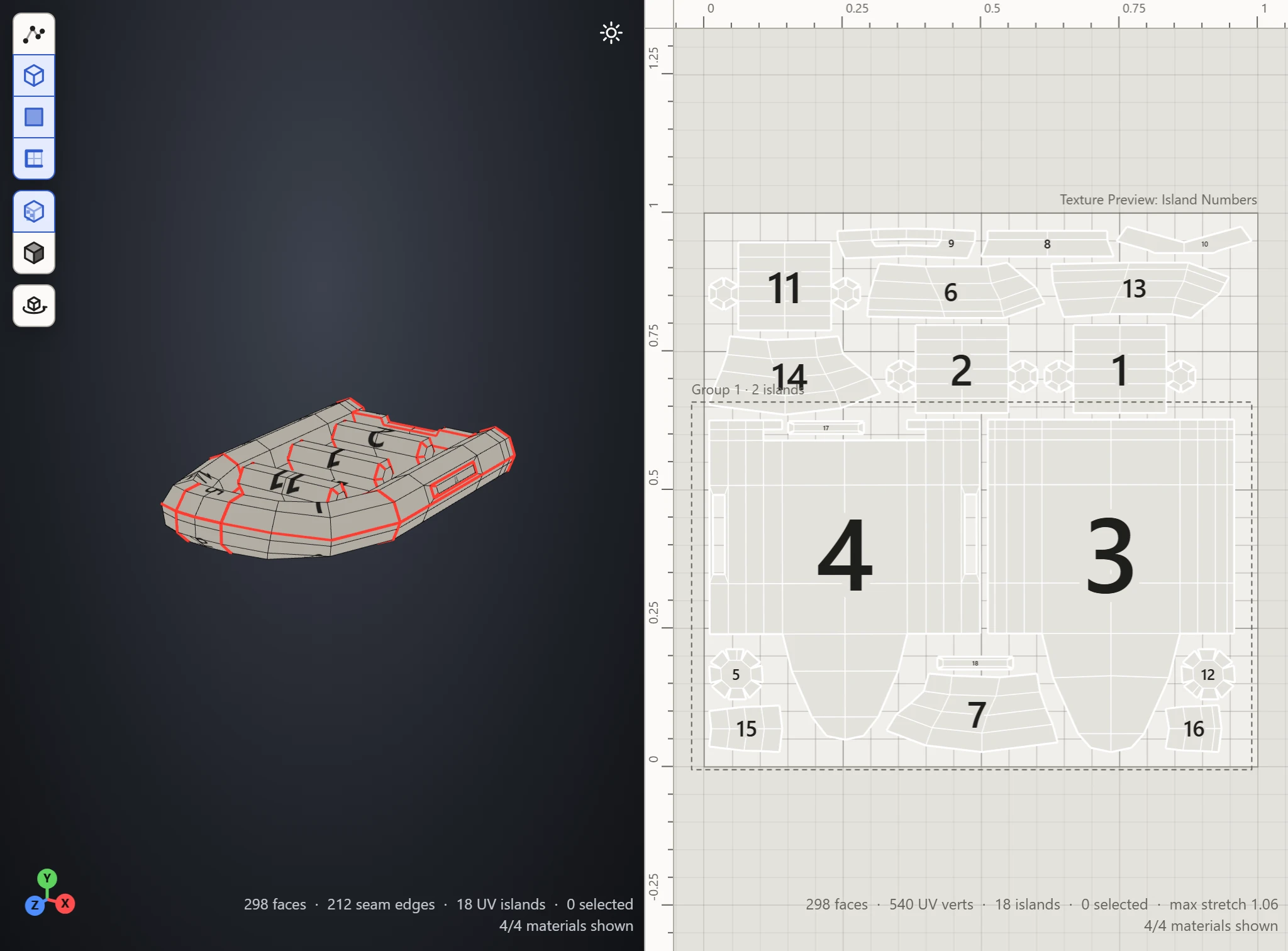
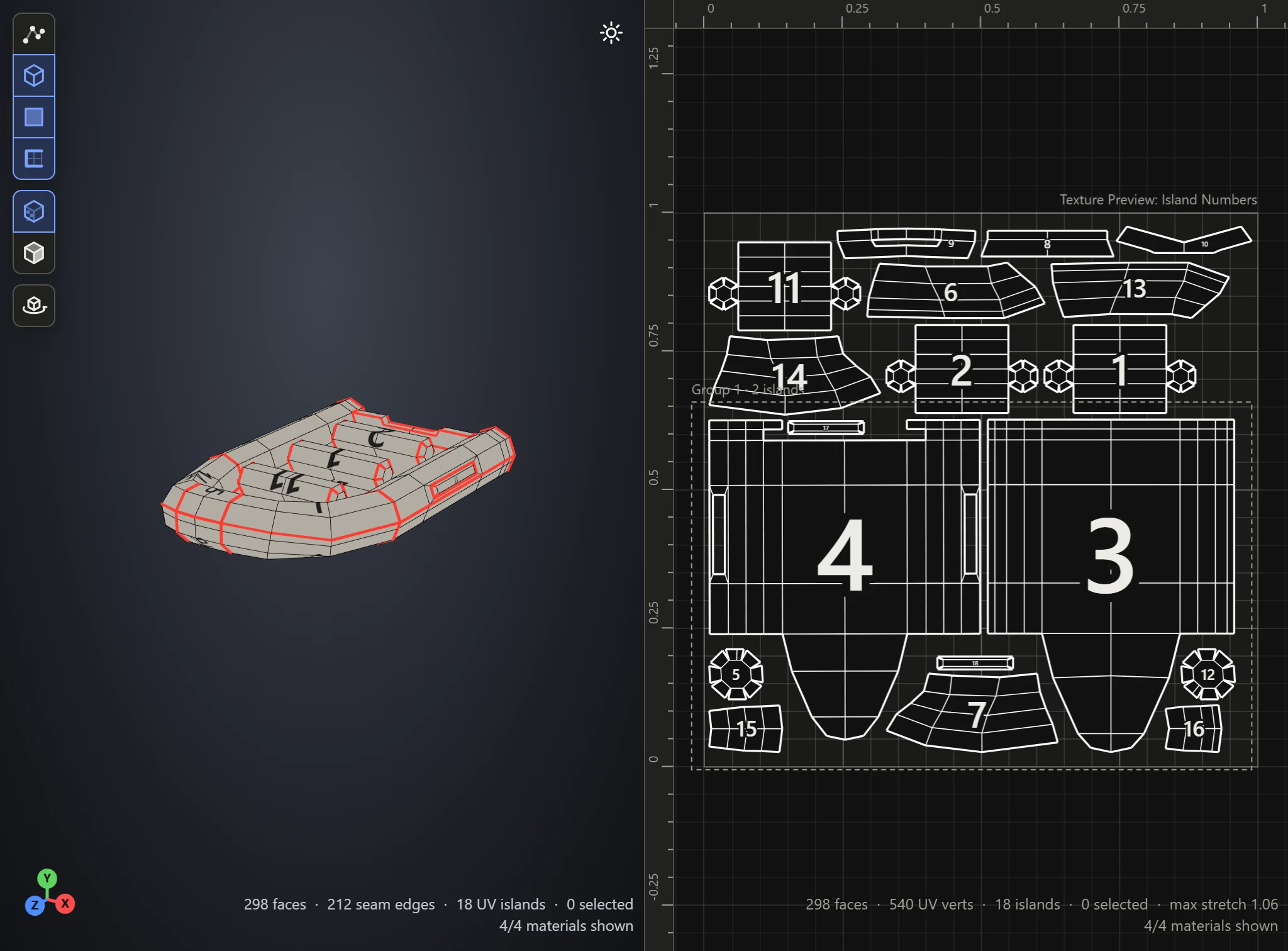
Island Numbers
Each island gets a number, written in the middle of it in the UV Layout and on the model where it lies. Use it to find which island is which part of the model, or the other way round.
Face Numbers
Each face gets a number, written on it in both views. Use it to follow a single face from the model to the layout.
Scale
Scale makes the numbers bigger or smaller, for crowded islands or faces too small to read.