Island groups
A group keeps islands together: it selects, moves and packs as one island, its islands keeping their places among them.
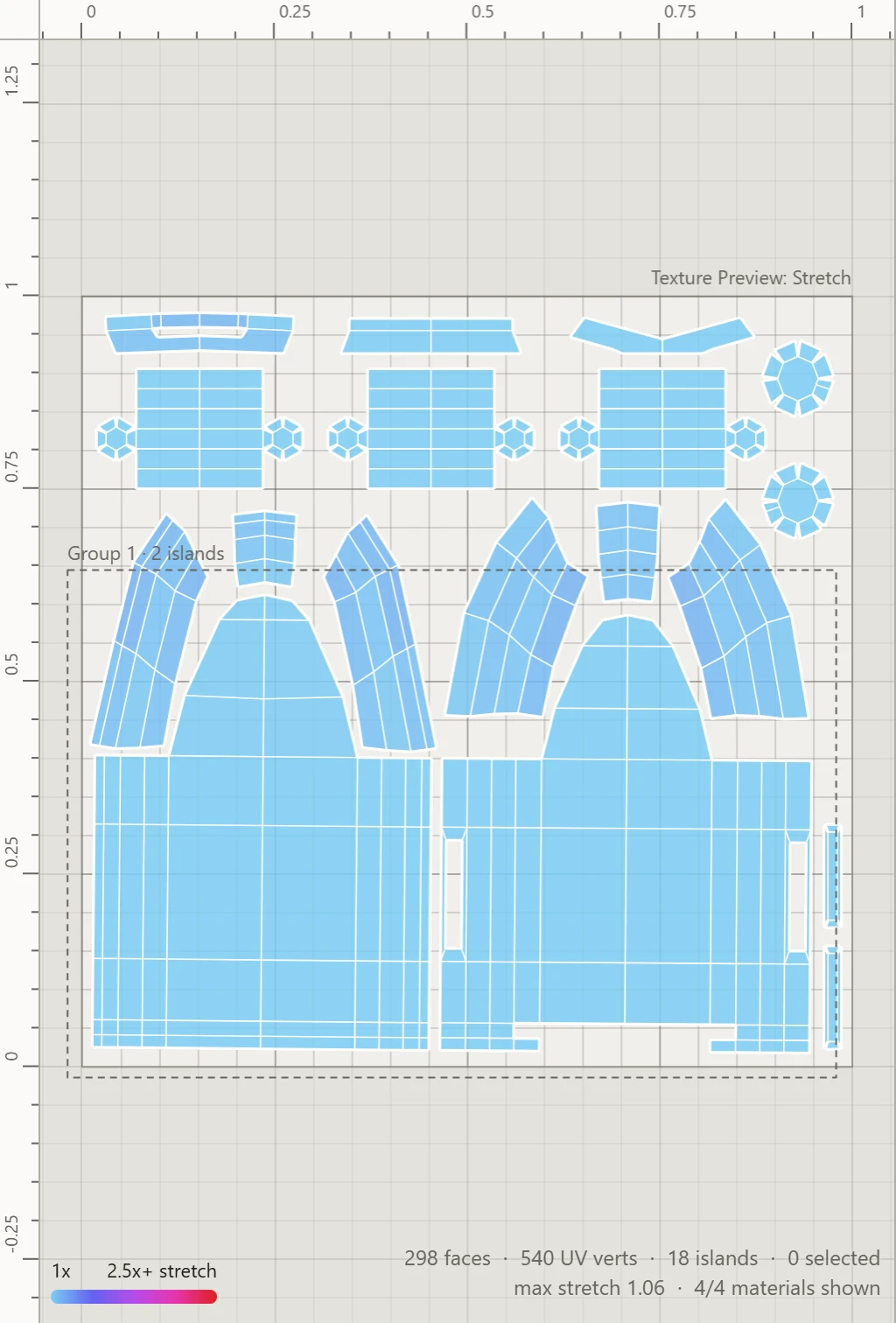
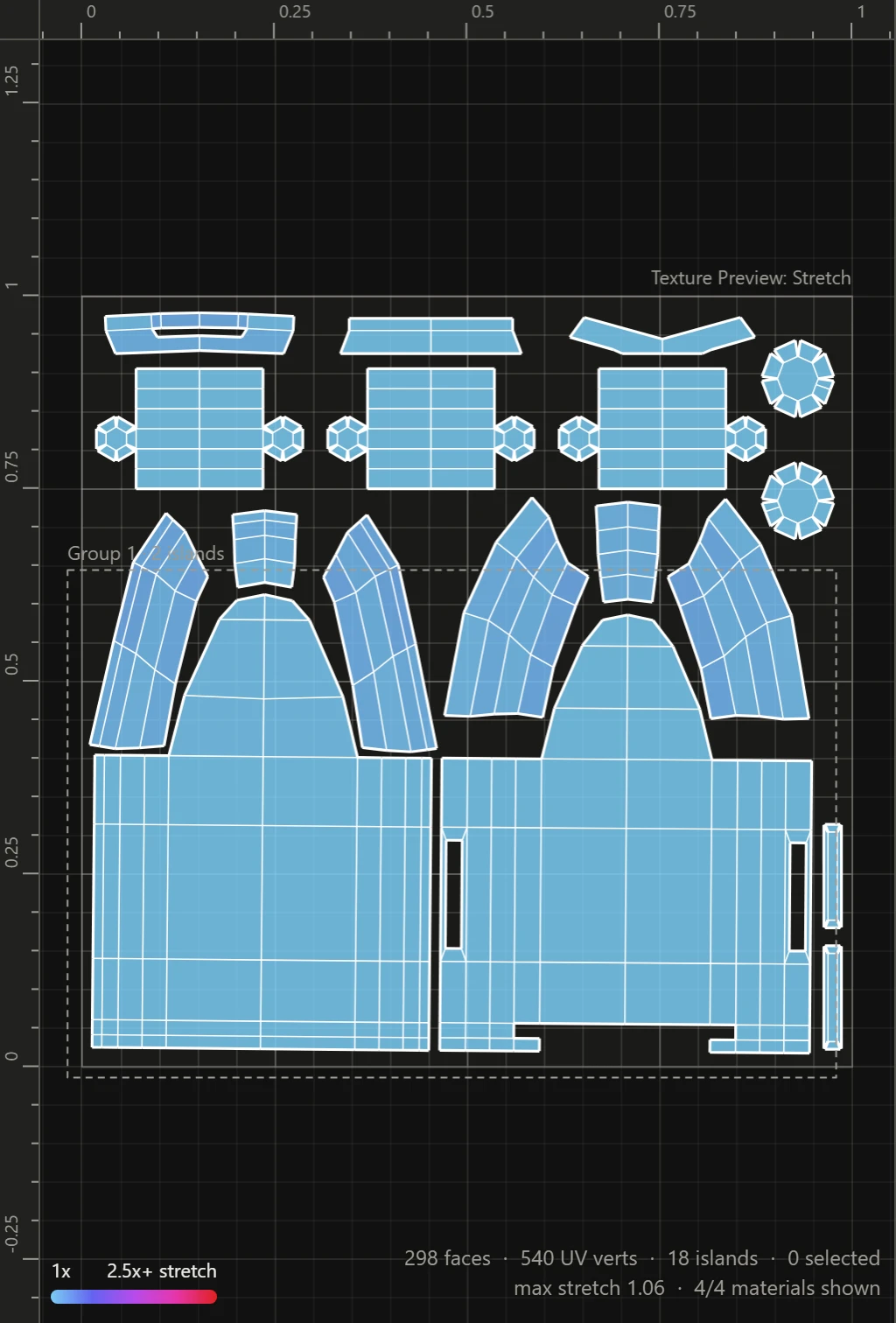
Making one
Select the islands, then click Add under Group, in Arrange, or press G. Any groups among the islands selected join the new one. A dashed box goes round the group in the UV Layout, named over its corner with how many islands it holds.
Taking one apart
Select the group and click Release, or press Shift+G. Its islands go back to being separate.
How a group behaves
- Click any of its islands, in Islands mode, and the whole group is selected.
- Pack places a group as one piece: smaller islands may fill the gaps between its islands, but its own stay where they are against each other.
- Flatten lays the islands it reaches out afresh, so a group they're in comes apart.
Groups are kept with your work.