Unwrap a model with no UVs
A model fresh from a sculpting or modeling program often has no UVs at all. WebUVs can lay them all out in one go, and you can then improve them where it matters.
Lay them out
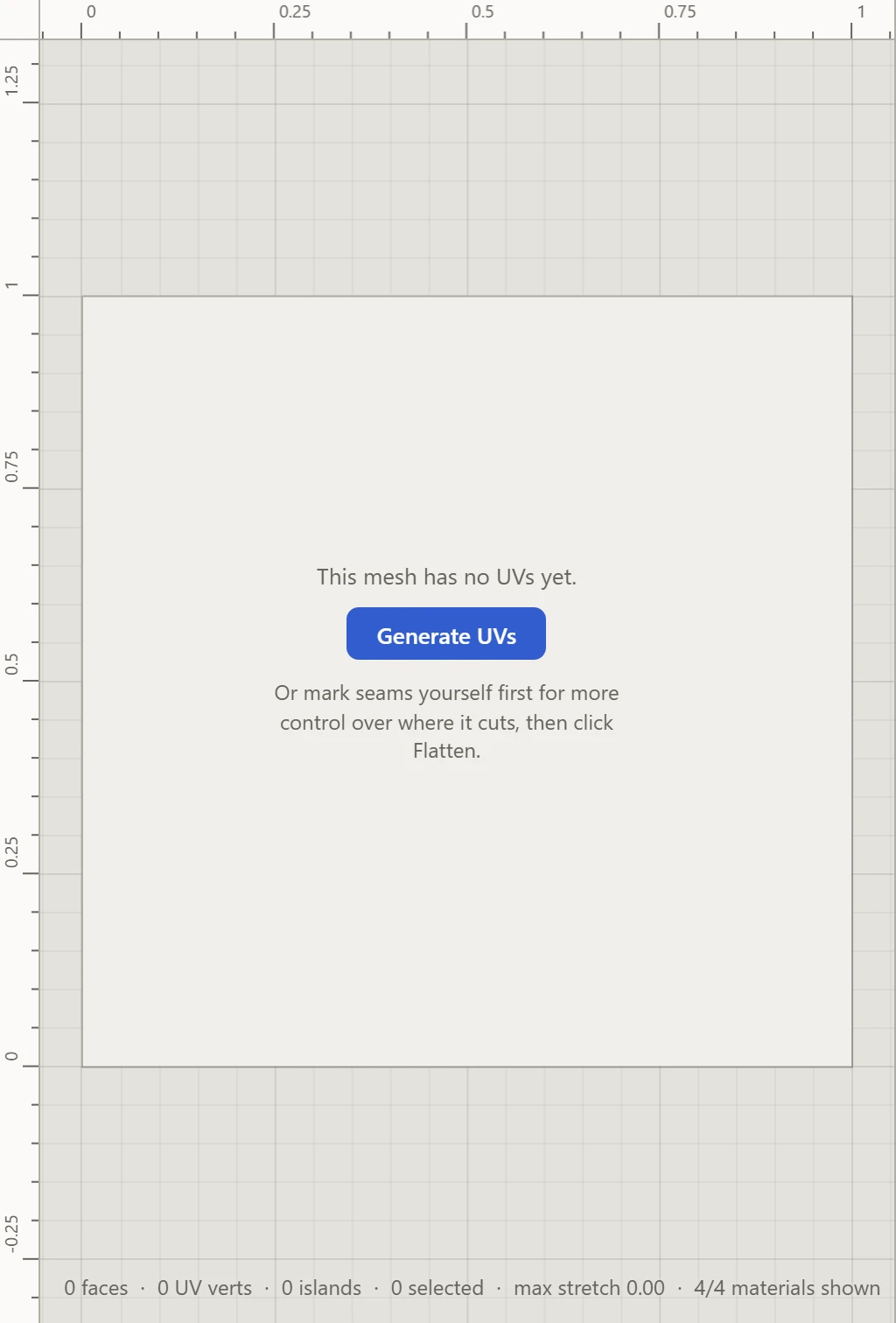
- Open the model. The UV Layout says it has no UVs yet.
- Click Generate UVs. It cuts seams where the model turns sharply, opens any closed shape, flattens each piece and packs them. See Generate UVs.
Look it over
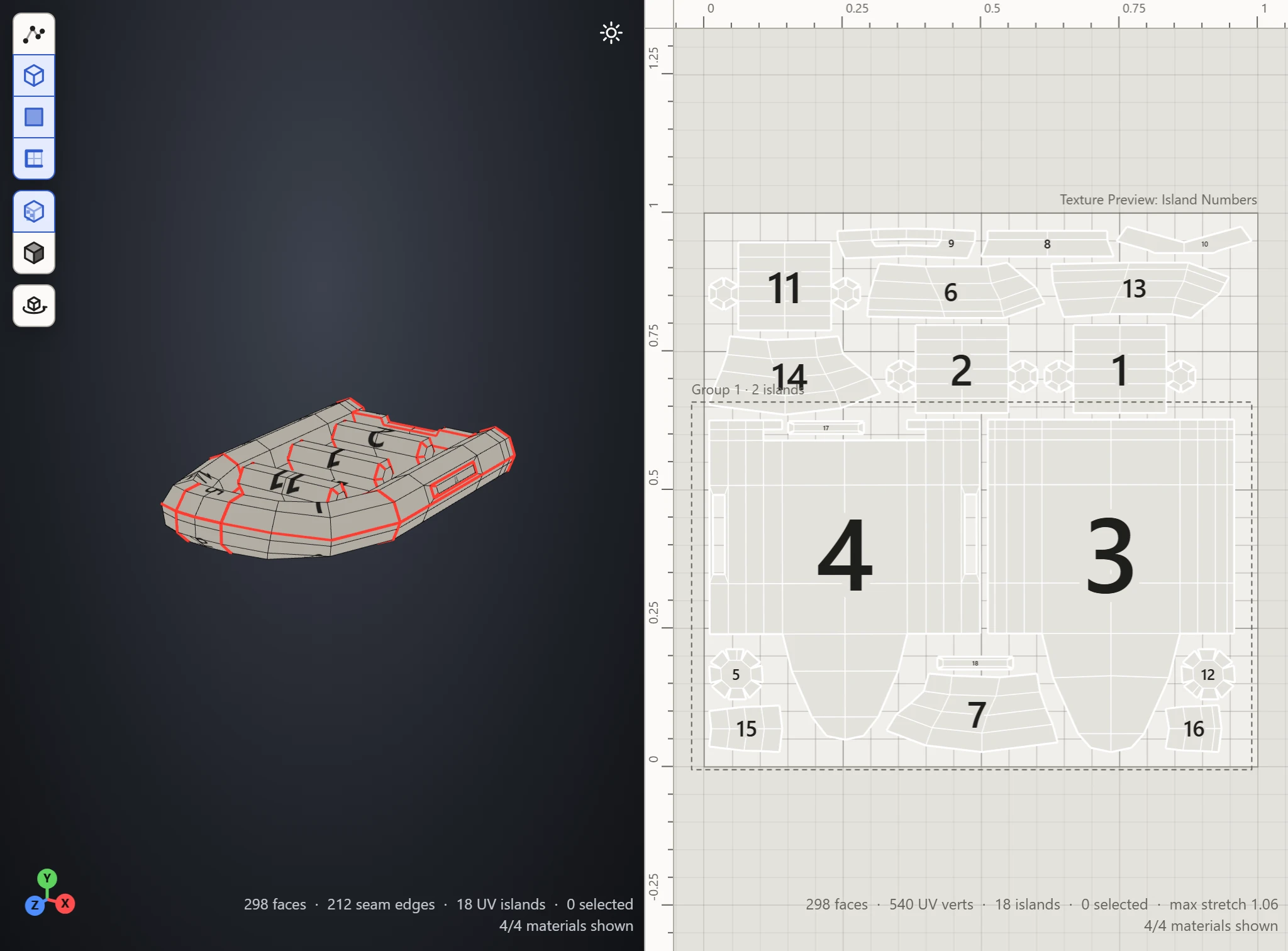
- Generate UVs opens on the Stretch preview, with Textures on in the 3D View: red shows where a piece is pulled out of shape, on the model and in the layout.
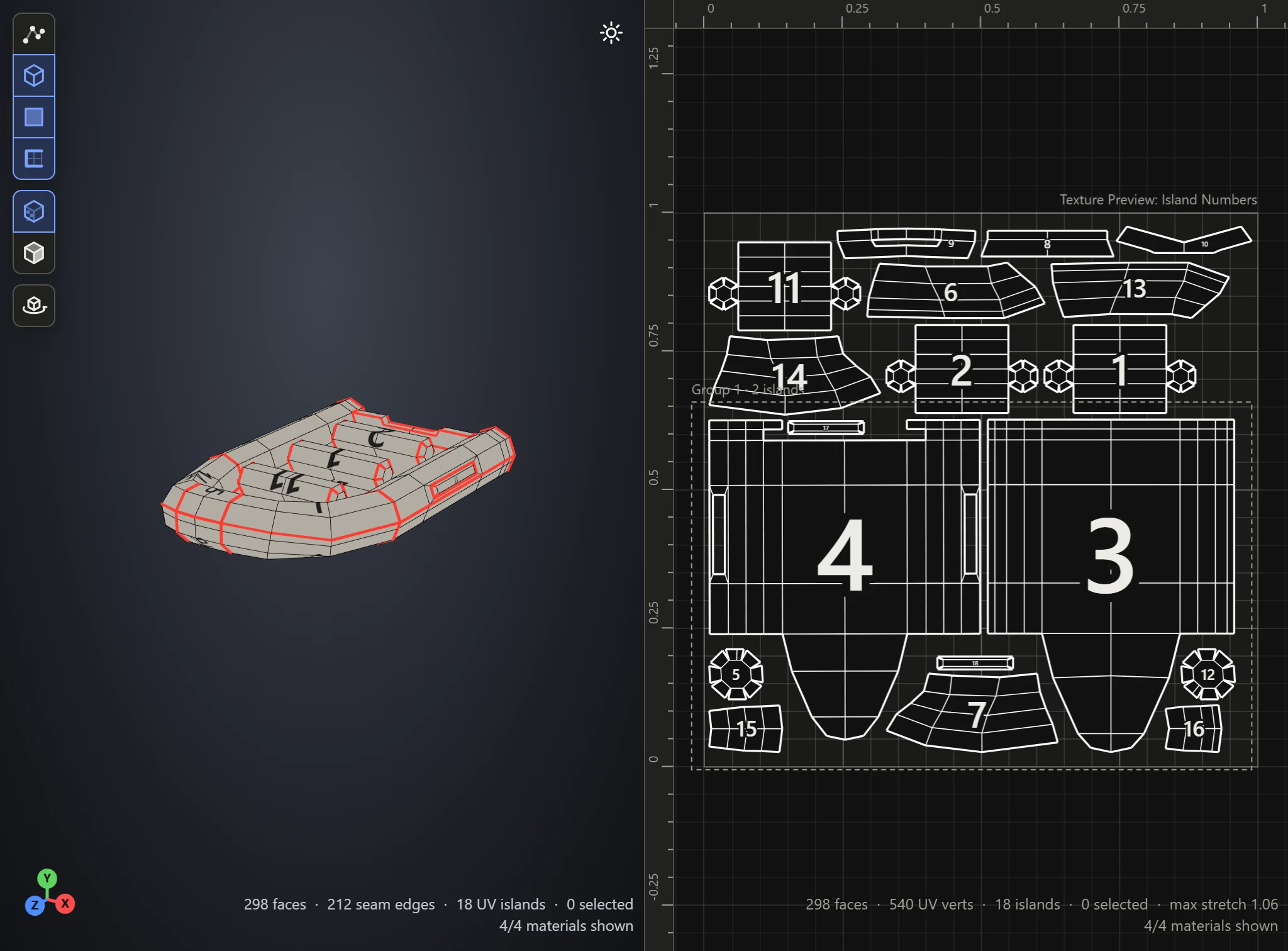
- Pick Island Numbers to see which piece of the layout is which part of the model.
Improve it
- Too much stretch: cut another seam through the red part, with Split, and click Flatten again.
- Too many pieces: Weld two pieces back together along their cut, and Flatten again.
- A seam in plain sight: weld it, and split one somewhere out of sight instead.
- Uneven sizes: click Normalize Scale, so the texture spreads evenly.
Then save it.